C ONTROL PANEL
Change Keyboard Settings
4-14
. . . . .
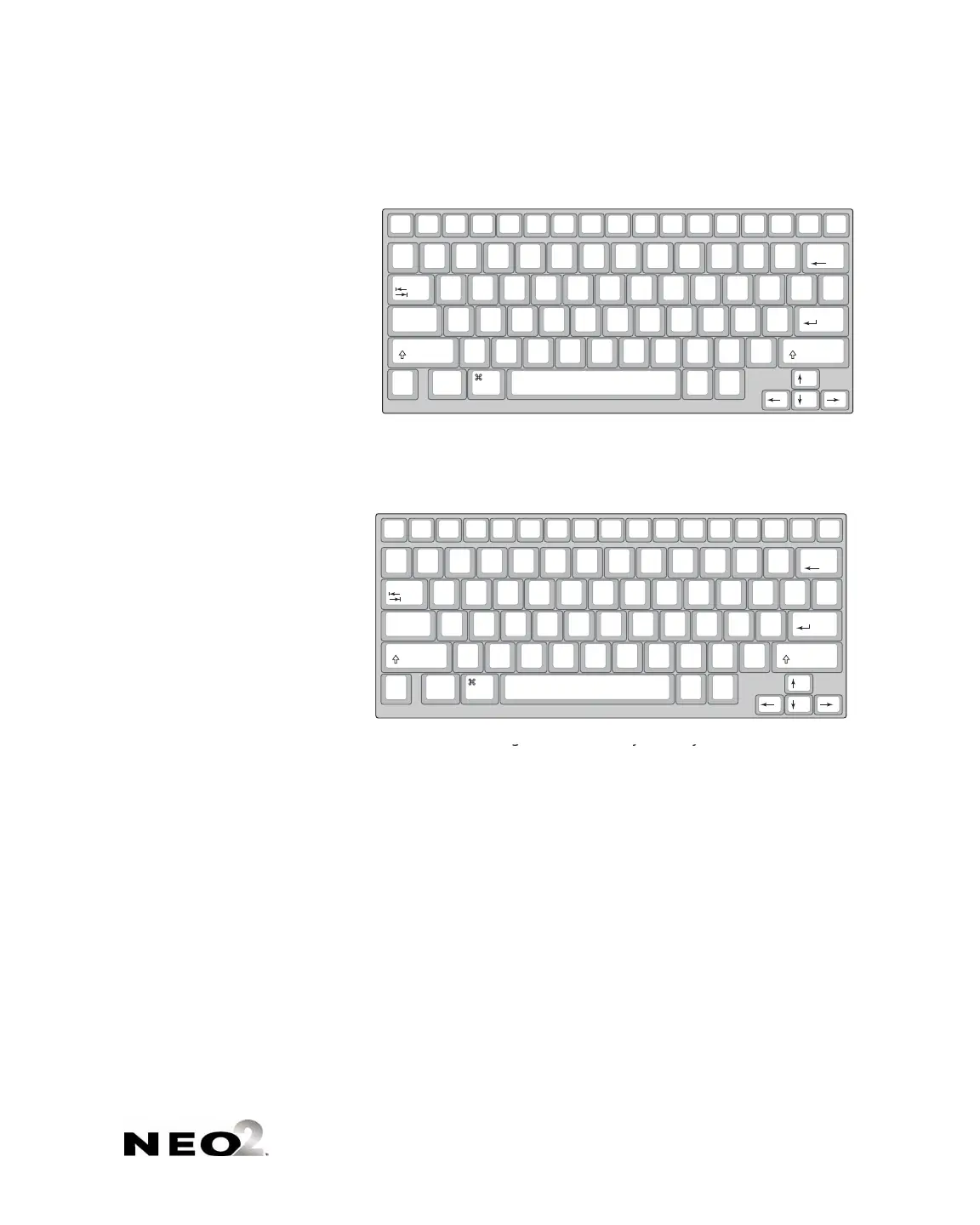
• Press 3 to select the right hand only layout.
• Press
4 to select the left hand only layout.
3. When the NEO notifies you that the keyboard layout has been changed,
press any key to continue. If you chose a layout other than QWERTY, the
next time you start the NEO, the startup screen will include the keyboard
layout you’ve chosen.
on/off file 1 file 2 file 3
file 4 file 5
file 6 file 7 file 8 print
spell
check
find
clear
file
home end applets send
tab
$
4
%
5
^
6
>
.
O R S U Y B
:
;
+
=
|
\
entercaps lock
&
7
*
8
(
9
A E H T D C K
_
-
shift
)
0
Z X
<
,
I N
W
V G
"
'
shift
control
alt
option
deleteesc
!
1
@
2
#
3
Q J L M F P
?
/
{
[
}
]
back
space
~
`
cmd
The right one-handed keyboard layout
on/off file 1 file 2 file 3
file 4 file 5
file 6 file 7 file 8 print
spell
check
find
clear
file
home end applets send
tab
$
4
%
5
^
6
>
.
O R S U Y B
:
;
+
=
|
\
entercaps lock
&
7
*
8
(
9
A E H T D C K
_
-
shift
)
0
Z X
<
,
I N
W
V G
"
'
shift
control
alt
option
deleteesc
!
1
@
2
#
3
Q J L M F P
?
/
{
[
}
]
back
space
~
`
cmd
The right one-handed keyboard layout
on/off file 1 file 2 file 3
file 4 file 5
file 6 file 7 file 8 print
spell
check
find
clear
file
home end applets send
tab
:
;
Q B
Y
U R S O
>
.
^
6
%
5
+
=
|
\
entercaps lock
_
-
K C D T H E A Z
*
8
&
7
shift
"
'
X G V W N I
<
,
)
0
(
9
shift
control
alt
option
deleteesc
{
[
}
]
?
/
P F M L J
$
4
#
3
@
2
!
1
back
space
~
`
cmd
The left one-handed keyboard layout



 To Next Page