K EYW ORDS
Using AlphaSmart Manager 2 with KeyWords
5-22
. . . . .
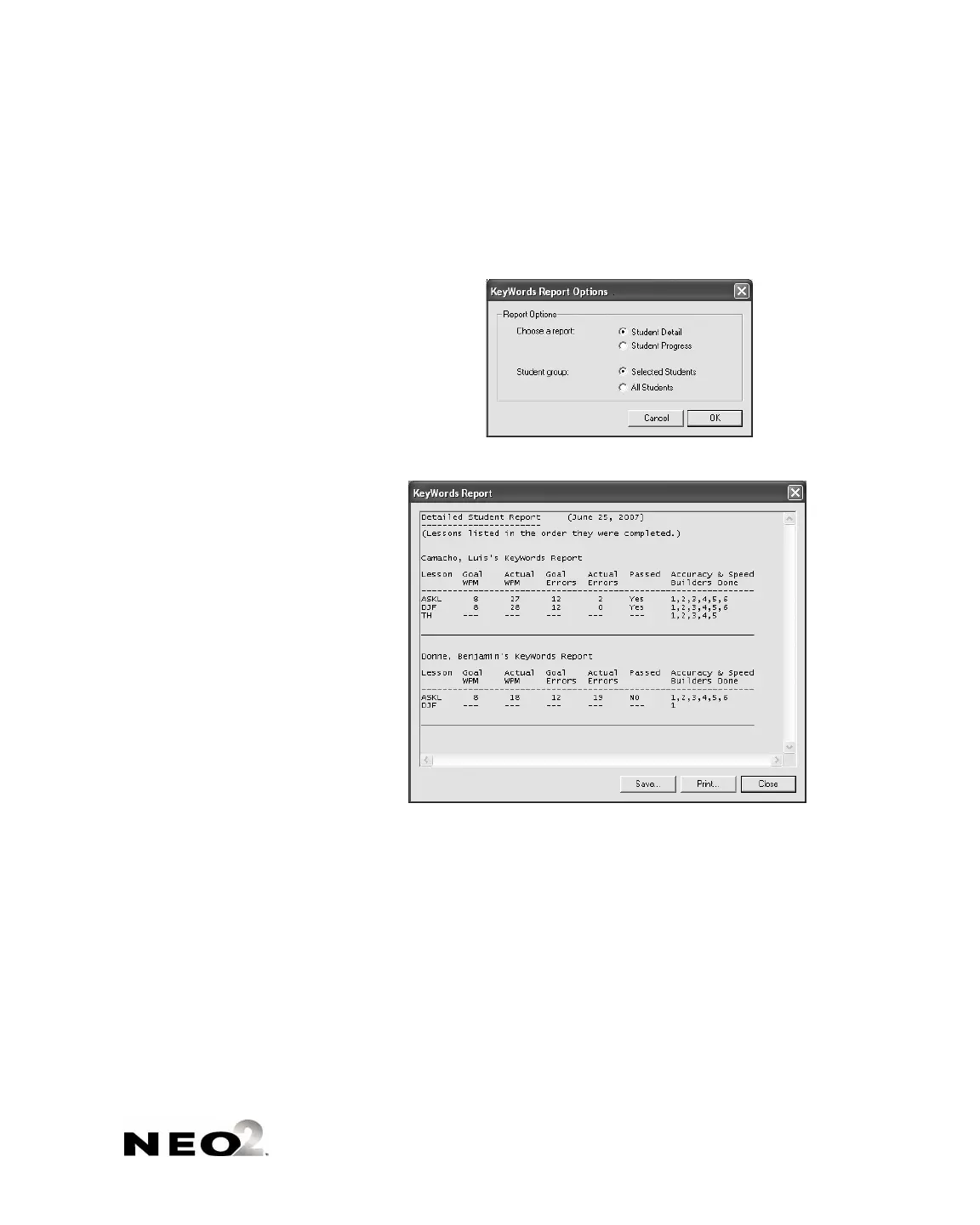
Next, click the group you want to include: the selected (checked) students
or all students
D.
Click OK to continue.
4. The report will open in a new window.
To save the report, click Save, type a name for the report and choose a
location for the file, and click Save.
To print the report, click Print, choose your printer, and click OK
(Windows) or Print (Macintosh).
To close the report window, click Close.
C
D



 To Next Page