K EYW ORDS
Using AlphaSmart Manager 2 with KeyWords
5-24
. . . . .
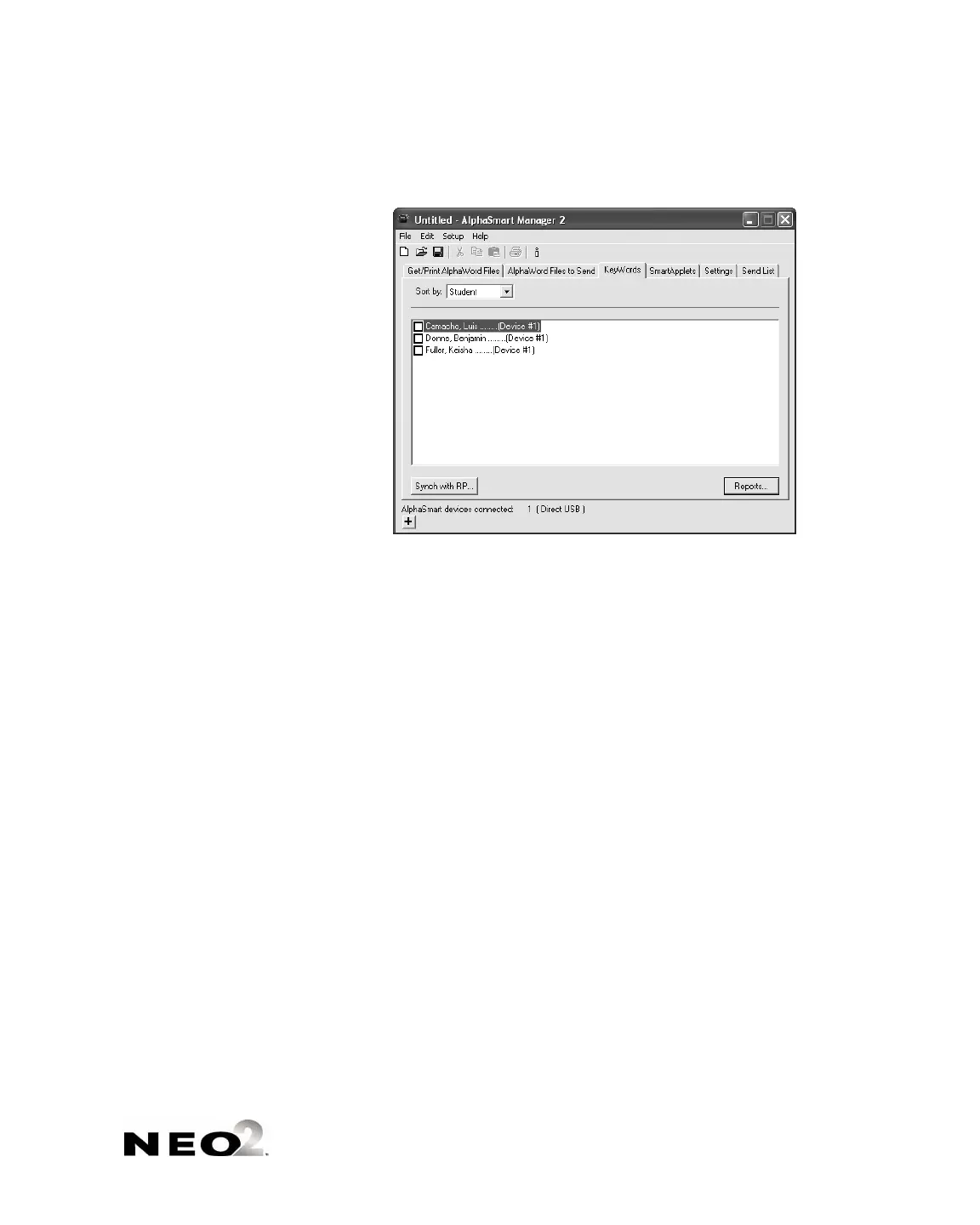
2. Click Synch with RP B.
3. Enter the web address that you use to access Renaissance Place
C.
4. Enter the user name and password that you use to log in to Renaissance
Place
D.
5. If you have synchronized with RP before, you can choose to automatically
synch students that have already been matched, or you can use the full
wizard to change previous matches of KeyWords with RP
E. Click an
option.
6. Click Next >.
A
B
C
D
E



 To Next Page