Serato DJ Lite for Mac/Windows
109
En
Using Auto Loop
When you press a Performance Pad in Auto Loop mode, a loop with
the number of beats assigned to the pad is set and the loop plays even
when you release the pad.
1 See: Changing pad mode (page 106) to enter Auto Loop mode.
2 Press a Performance Pad during playback.
Loop playback starts with the number of beats in the setting assigned to that
pad.
• When you press the same Performance Pad again, loop playback is
canceled.
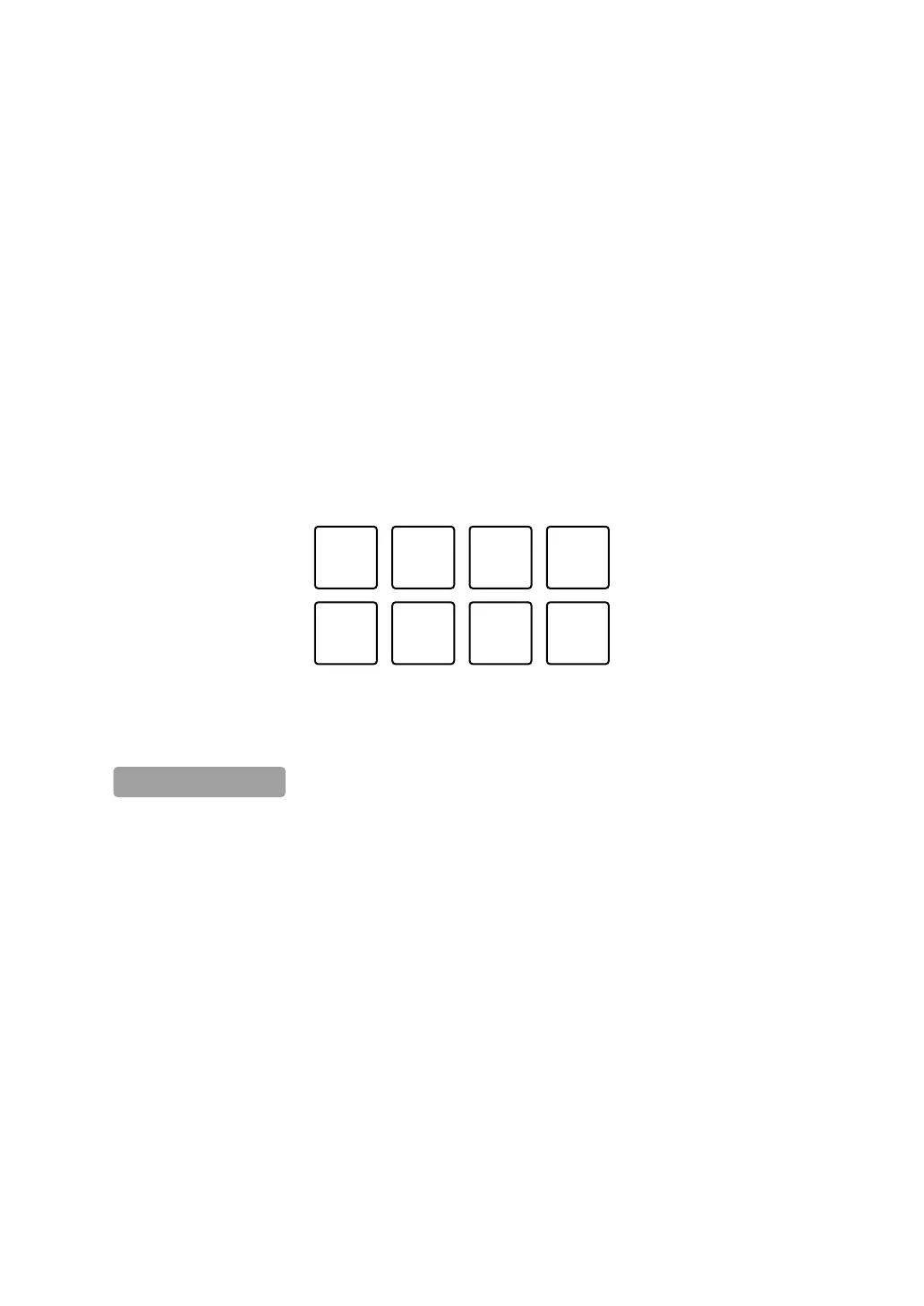
The pad's settings are as shown below.
1: 1 beat, 2: 2 beats, 3: 4 beats, 4: 8 beats,
5: Previous track, 6: Search ), 7: Search *, 8: Censor
1: 1/8 beat, 2: 1/4 beat, 3: 1/2 beat, 4: 1 beat,
5: 2 beats, 6: 4 beats, 7: 8 beats, 8: 16 beats



 To Next Page