djay for iOS/Android
66
En
Using the Performance Pads
Using Hot Cues
You can start playback instantly from the position where a Hot Cue is
set.
• Up to 8 Hot Cues can be set and saved for each track in djay for iOS/
Android.
1 See: Changing pad mode (page 65) to enter Hot Cue mode.
2 When the track is playing or paused, press a Performance Pad to
set a Hot Cue.
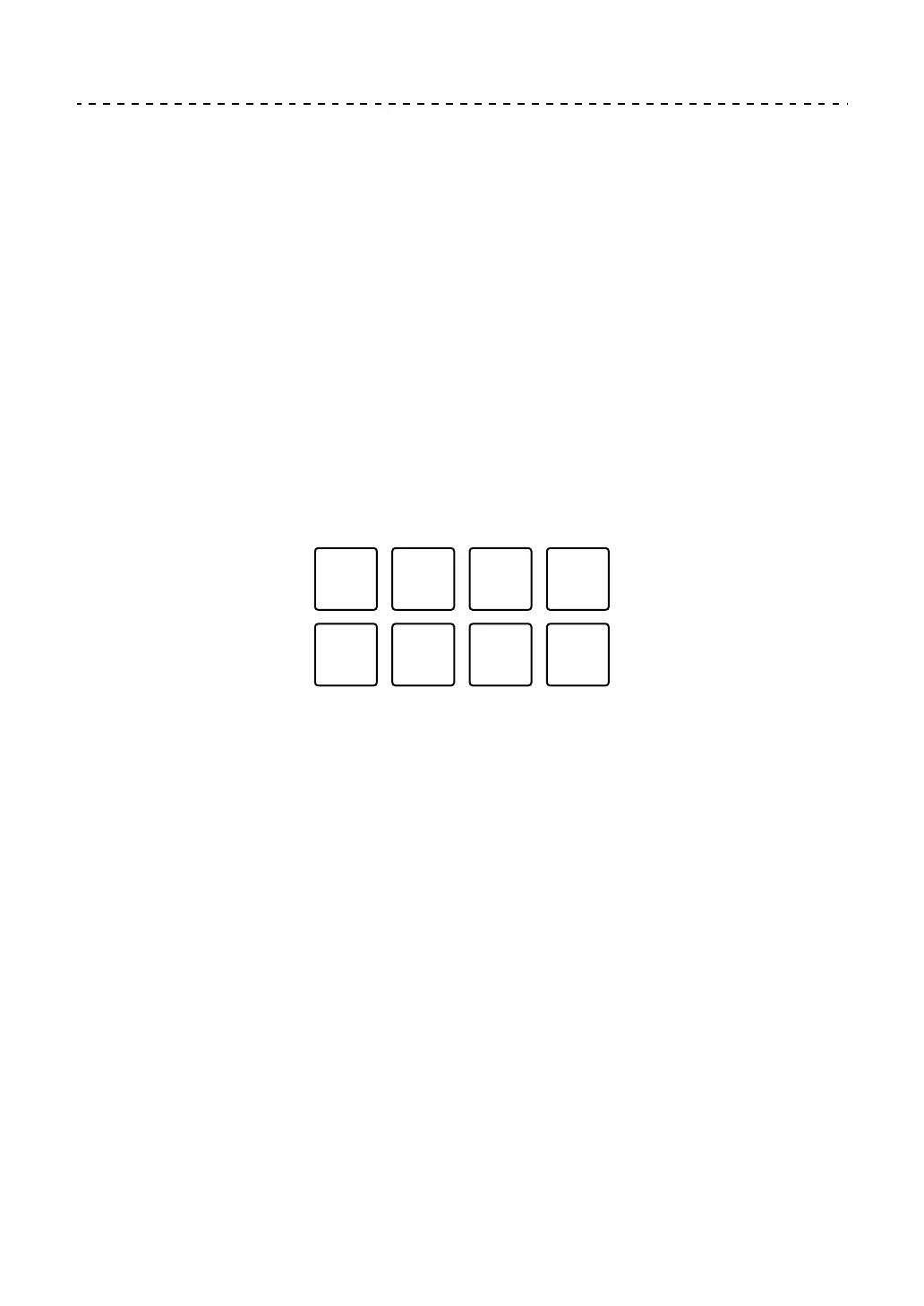
The pad's settings are as shown below.
1: Hot Cue A, 2: Hot Cue B, 3: Hot Cue C, 4: Hot Cue D,
5: Hot Cue E, 6: Hot Cue F, 7: Hot Cue G, 8: Hot Cue H
3 Press a Performance Pad you’ve set a Hot Cue for.
Playback starts from the Hot Cue point.
• You can clear Hot Cues by pressing a Performance Pad while holding the
[SHIFT] button.



 To Next Page