djay for iOS/Android
65
En
Advanced use
Changing pad mode
You can set the pad mode to Hot Cue mode, Pad FX mode, Auto Loop
mode, or Sampler mode using the Performance Pads.
1 Press the [BEAT SYNC] button while holding the [SHIFT] button.
Pad mode selection is enabled.
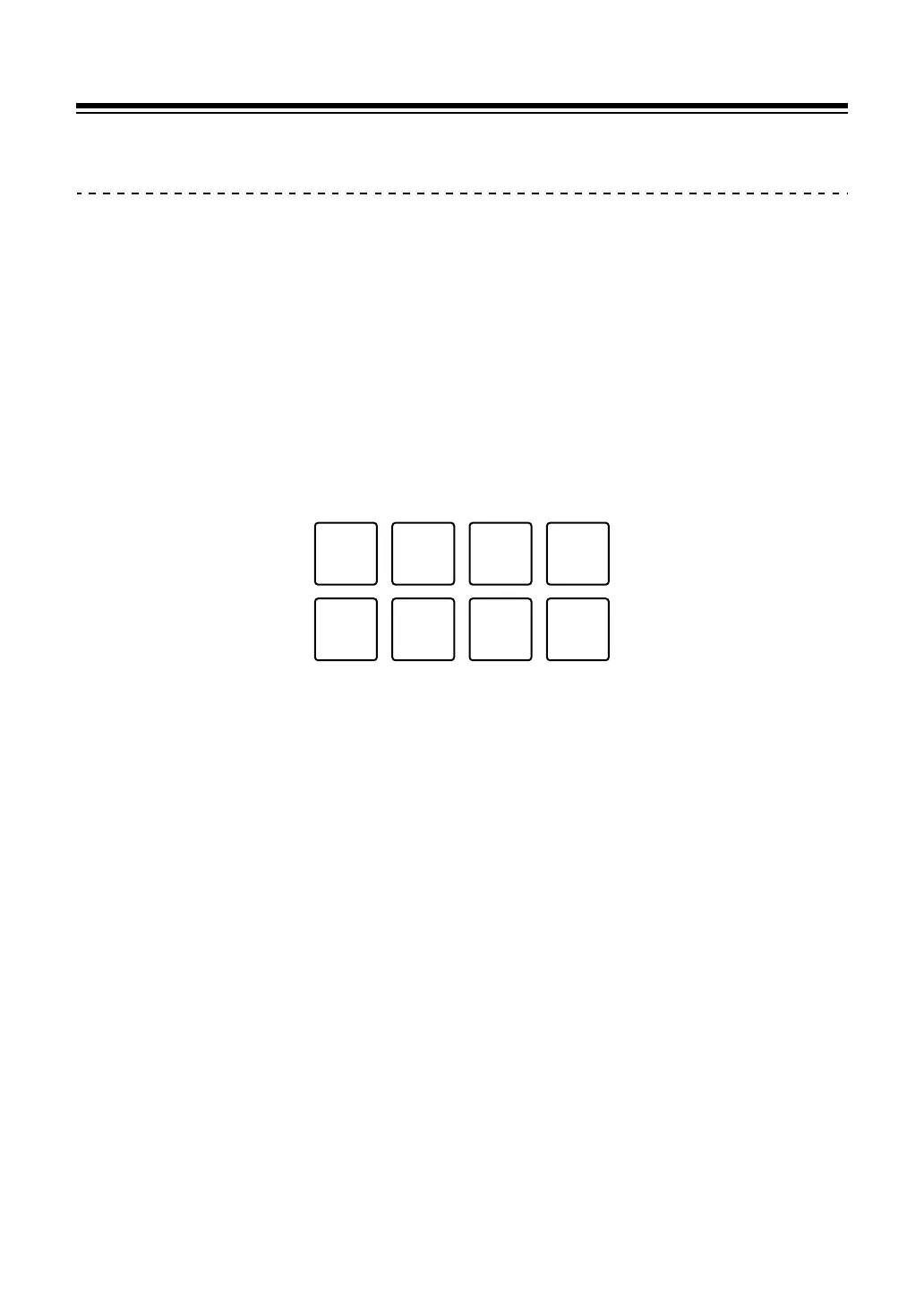
Pads 1 through 4 set the following pad modes.
If you press the [BEAT SYNC] button while holding the [SHIFT] button again,
the unit returns to the previous state.
1: Hot Cue mode, 2: Pad FX mode, 3: Auto Loop mode, 4: Sampler mode
2 Press one of the Performance Pads, 1 through 4.
The unit enters the pad mode you pressed.



 To Next Page