rekordbox for iOS/Android
38
En
Loading an audio track onto a deck
The following explains how to load a track onto deck 1 (left) as an
example.
1 Tap the track title area of deck 1 in the upper part of the main screen
of rekordbox for iOS/Android.
The browse screen appears.
2 Tap a track in [Collection].
The track loads onto the deck.
Playing a track
This section explains how to play sound from deck 1 (left) as an
example.
1 Set the positions of the knobs etc. as follows:
• EQ [HI/MID/LOW] knobs: center position (12 o’clock)
•[CFX] knob: center position
• Channel fader: bottom position
• [ (master level)] knob: turned fully counterclockwise
• Crossfader: center position
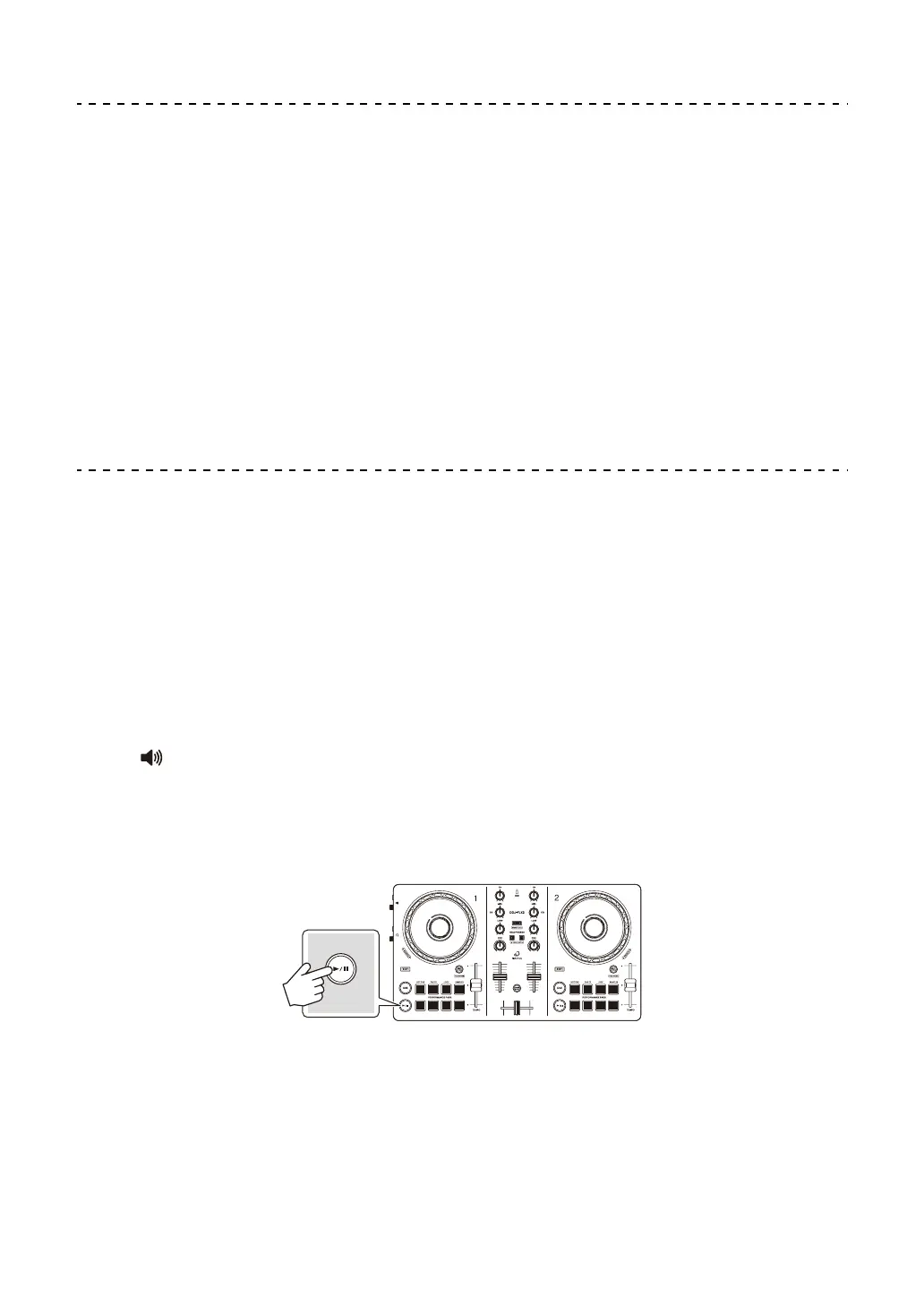
2 Press the [" (play/pause)] button to play the track.



 To Next Page