Changing the settings
131
En
Changing the Bluetooth
®
MIDI device name
When using multiple units of the DDJ-FLX2, you can set each unit to
be identified by your mobile device.
You can change the Bluetooth MIDI device name displayed when the
units and your mobile device are connected via Bluetooth.
• The Bluetooth MIDI device name setting can’t be saved.
1 Disconnect the USB cable from power supply (USB power adapter,
PC/Mac, etc.) to turn off the unit.
2 Hold down the relevant pad on the left or right deck and connect the
USB cable to the power supply.
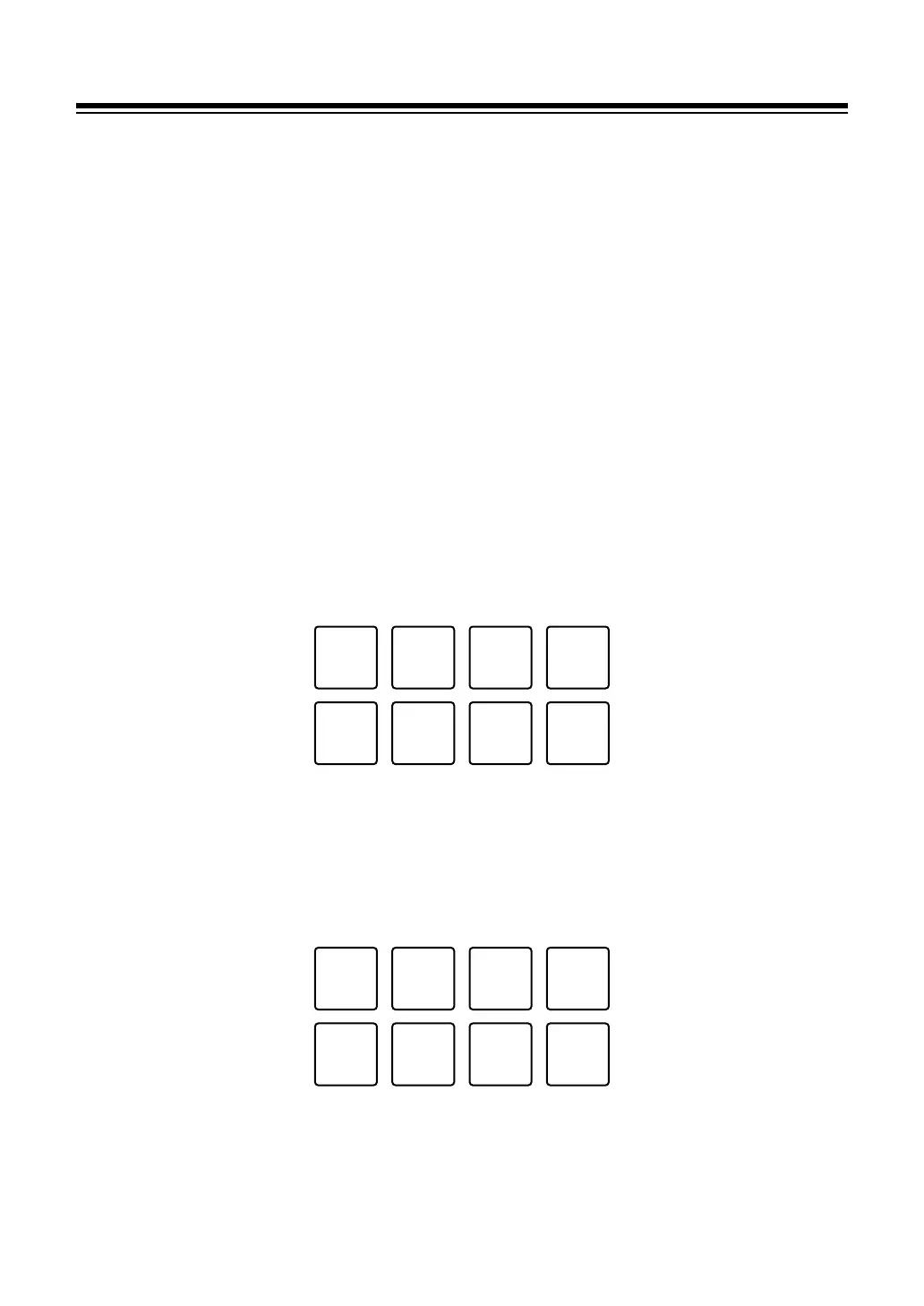
The relation between Bluetooth MIDI device names and Performance Pads is
as follows.
For deck 1
1: DDJ-FLX2_1, 2: DDJ-FLX2_2, 3: DDJ-FLX2_3, 4: DDJ-FLX2_4,
5: DDJ-FLX2_5, 6: DDJ-FLX2_6, 7: DDJ-FLX2_7, 8: DDJ-FLX2_8
For deck 2
1: DDJ-FLX2_9, 2: DDJ-FLX2_10, 3: DDJ-FLX2_11, 4: DDJ-FLX2_12,
5: DDJ-FLX2_13, 6: DDJ-FLX2_14, 7: DDJ-FLX2_15, 8: DDJ-FLX2_16



 To Next Page