rekordbox for Mac/Windows
90
En
Analyzing tracks
Track analysis starts when you drag and drop a music file, or a folder
containing music files, into the Track List in rekordbox for Mac/
Windows.
• If a track is loaded to a deck before analysis is complete, it may take
some time to display its BPM and waveform.
• Depending on the number of tracks, analysis may take some time.
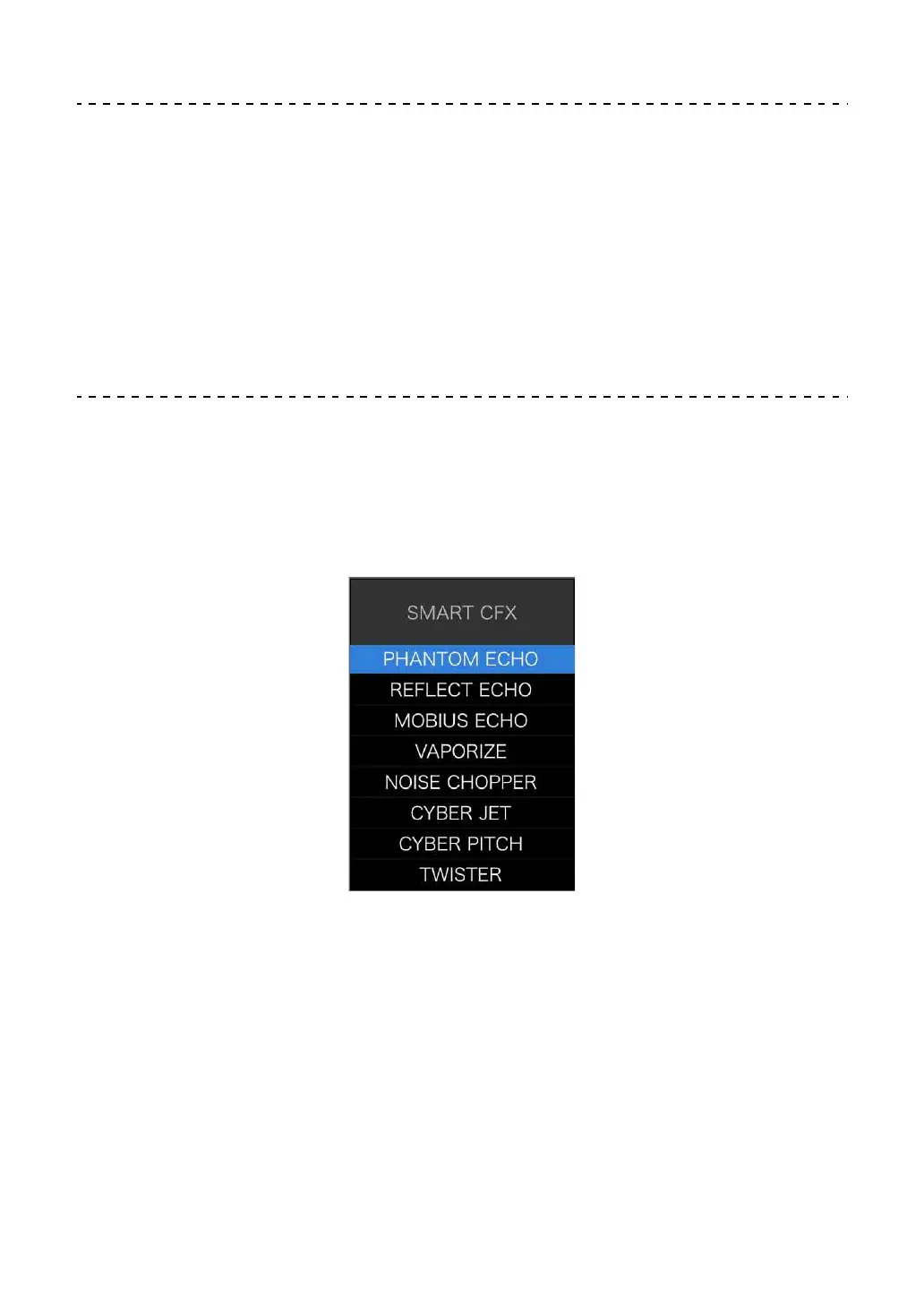
Using Smart CFX
1 Press the headphones [CUE] button while holding the [SHIFT]
button.
The preset screen for Smart CFX is displayed to change the effect type.
2Press the [MASTER CUE] button while holding the [SHIFT] button.
Smart CFX turns on.
3 Turn the [CFX] knob.
The effect sound, etc. changes.
• Depending on the effect type, loops and keys are changed in addition to the
effect.



 To Next Page