Part names and functions
24
En
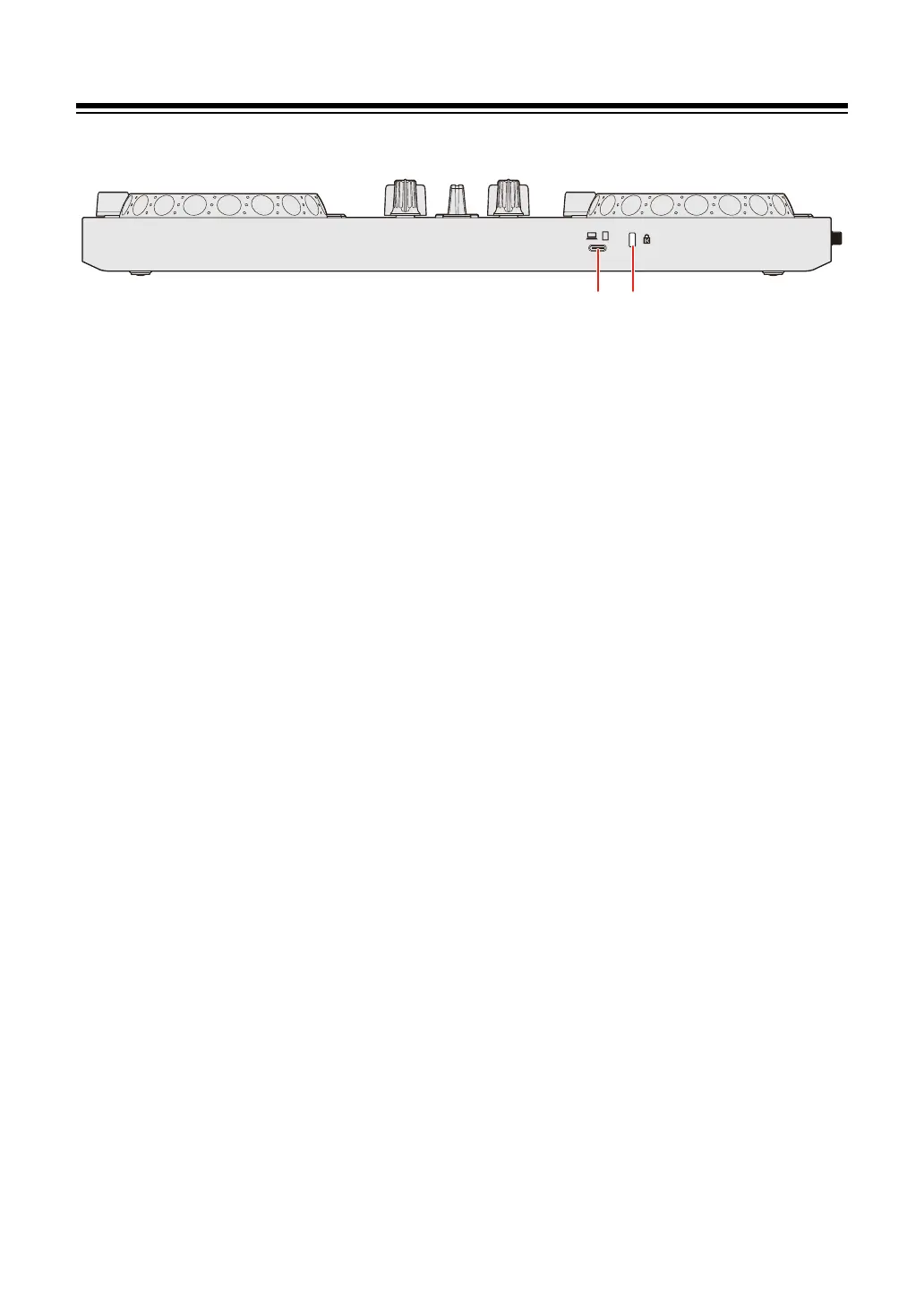
Rear panel
1USB port
Connection for a USB power adapter (not supplied) or mobile battery (not
supplied).
Connection for a PC/Mac or iOS/Android device with a USB Type-C port.
• Be sure to use the USB cable specified below.
– To connect to a device with a USB Type-C port: use the USB cable
supplied with the unit
– To connect to a device with a USB Type-A port: use a USB cable certified
to the appropriate standard with a length of 3 m or less
• When using a USB hub, be sure it's a product recommended by the
manufacturer of your PC/Mac. We don’t guarantee the operation of all USB
hubs.
2 Kensington security slot
Connection for a cable lock for security.



 To Next Page