97
En
Serato DJ Lite for Mac/Windows
Installing Serato DJ Lite
Installing (Mac)
Do not connect the unit to your Mac until installation is complete.
• Close all programs on your Mac.
1 Unzip the downloaded Serato DJ Lite software file.
2 Double-click the unzipped software file to launch the installer.
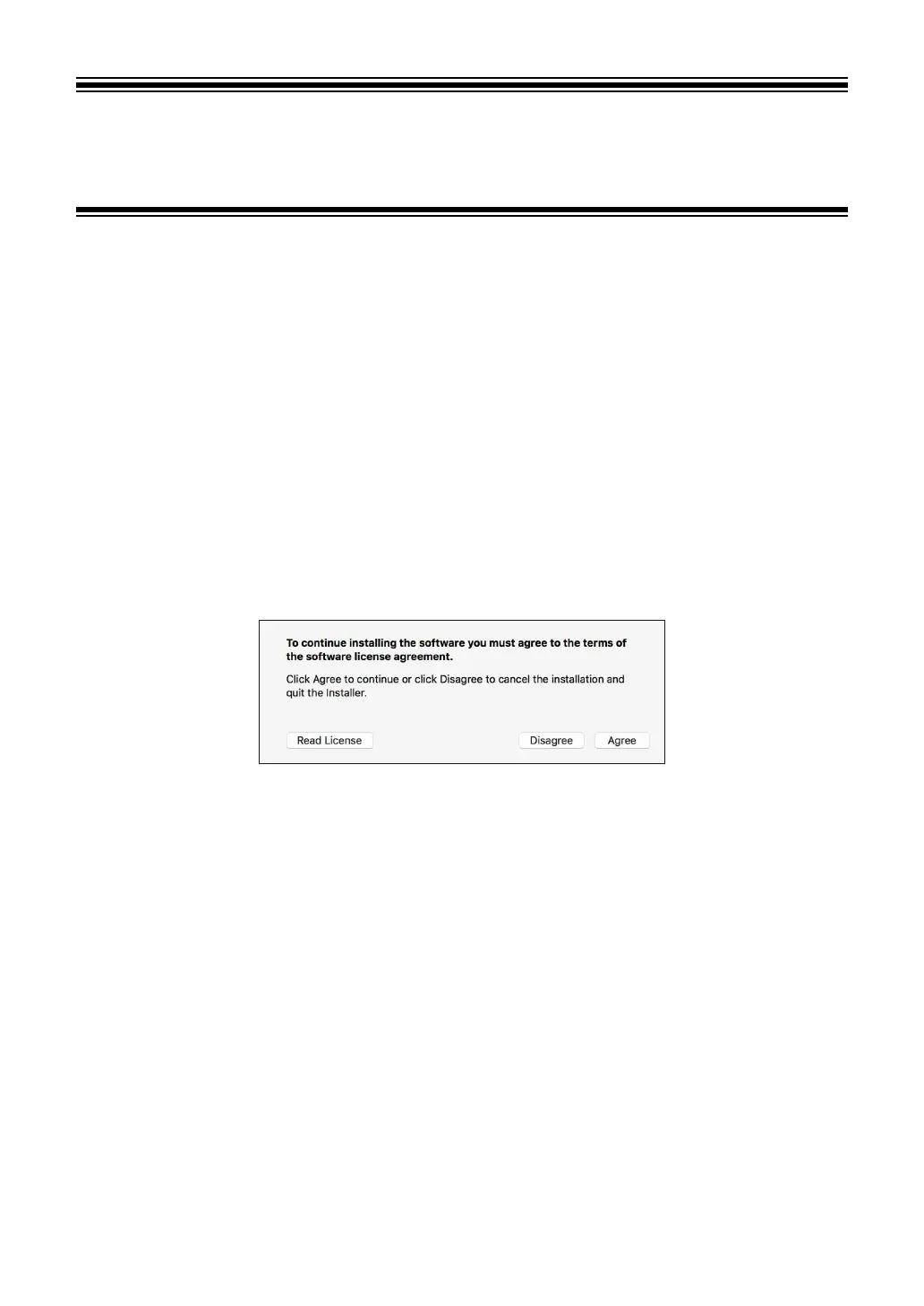
3 Read the terms of the License Agreement carefully and if you
agree, click [Agree].
• If you don’t agree to the contents of the License Agreement, click [Disagree]
to cancel the installation.
4Click [Install].
5 Follow the on-screen instructions to install the software.



 To Next Page