rekordbox for iOS/Android
39
En
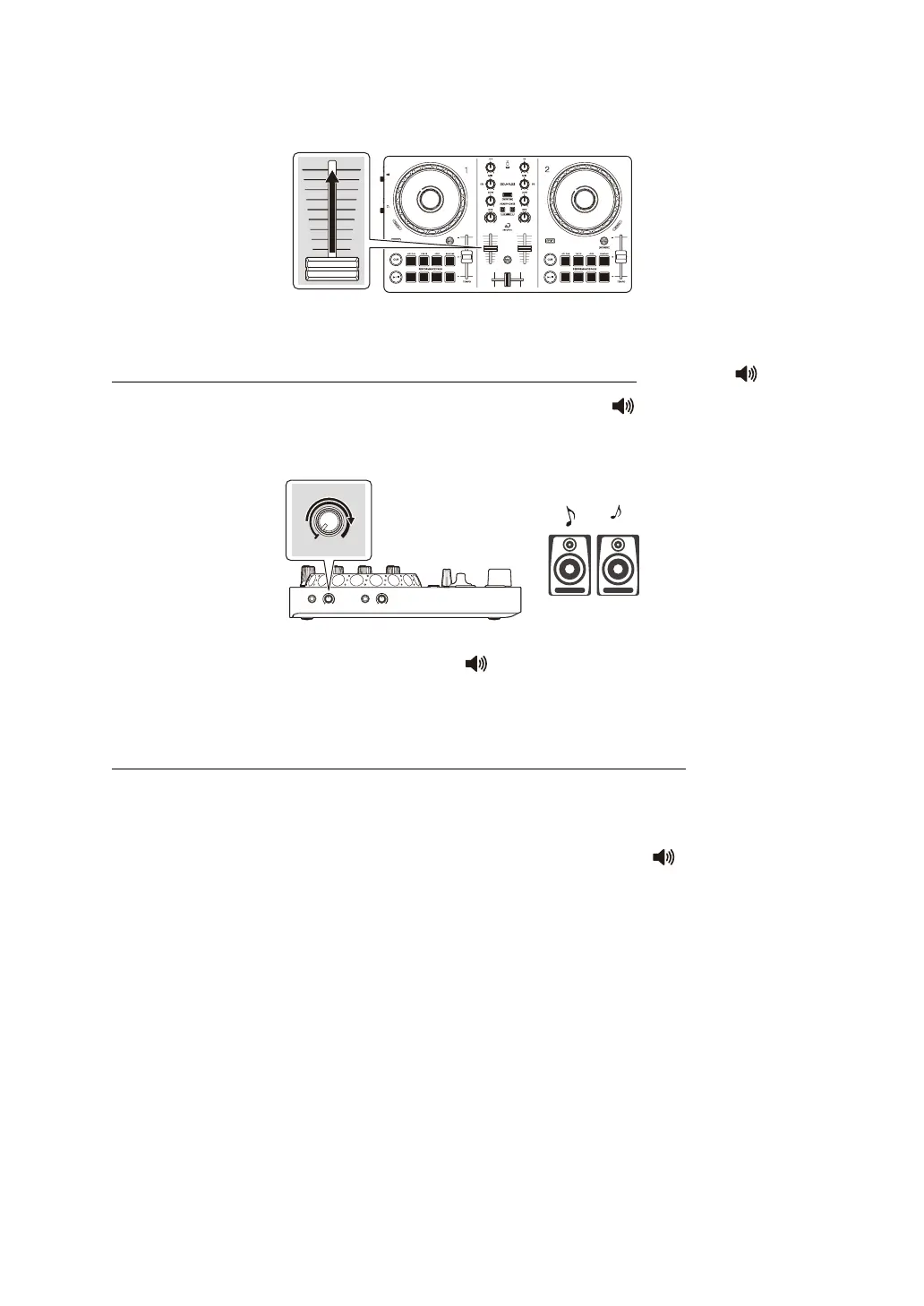
3 Move the channel fader to the top.
4 Adjust the volume of the speakers to a level you're happy with.
When the unit is connected to a mobile device via USB: Turn the [ (master
level)] knob to adjust the volume of sound from the [ (master)] output
terminal.
• If you can’t output sound from the [ (master)] output terminal or the unit
isn’t recognized by your mobile device, see: Troubleshooting (page 133).
When the unit is connected to a mobile device via Bluetooth: Sound outputs
from your mobile device.
• Adjust the volume of the speakers of the mobile device, or speakers
connected to your mobile device, instead of using the [ (master level)]
knob.



 To Next Page