djay Pro for Mac/Windows
122
En
Using Pad FX
You can add a wide range of effects to your performances simply by
pressing and releasing the Performance Pads.
1 See: Changing pad mode (page 120) to enter Pad FX mode.
2 Press and hold down a Performance Pad, or press once.
The effect set on the Performance Pad turns on.
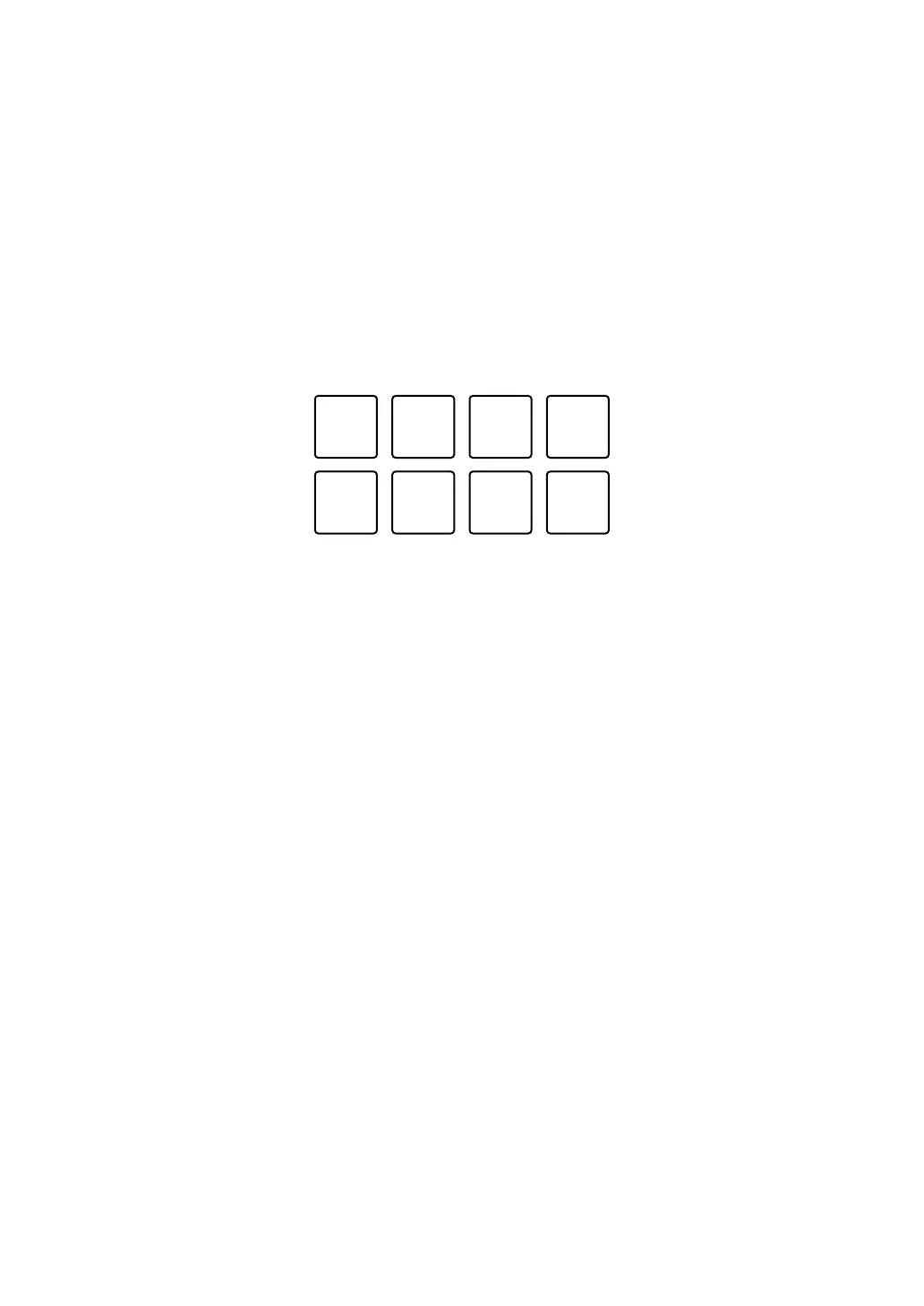
The pad's settings are as shown below.
1: Effect A, 2: Effect B, 3: Effect C, 4: Effect D,
5: Effect E, 6: Effect F, 7: Effect G, 8: Effect H
3 Release the Performance Pad, or press it again.
The effect turns off.



 To Next Page