rekordbox for iOS/Android
36
En
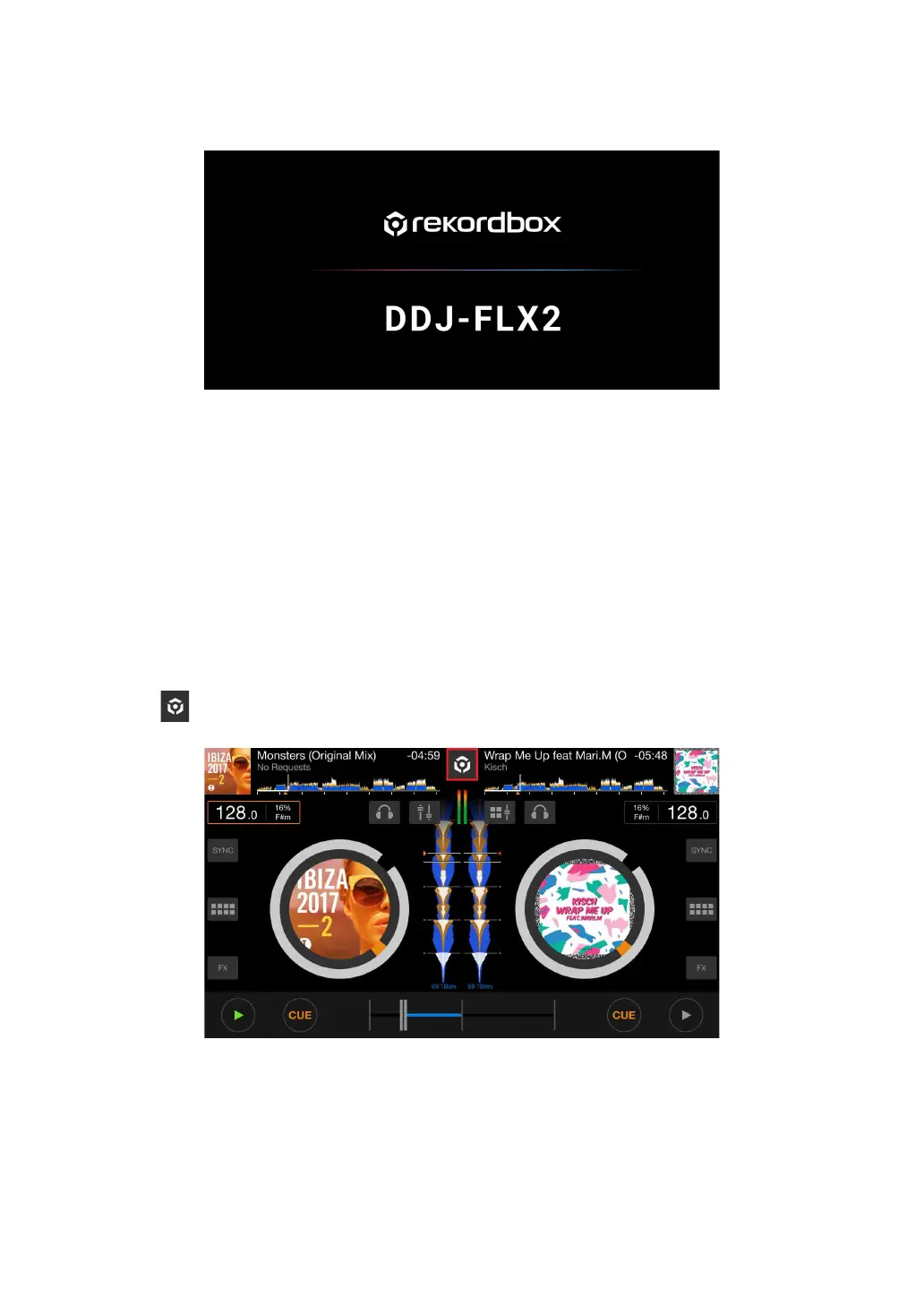
When connection is complete, the following screen appears.
Connecting via Bluetooth
1 Connect your USB power adapter or mobile battery to the unit's
USB port using a USB cable to turn the unit on.
2 Start rekordbox for iOS/Android and turn your mobile device screen
horizontal to close the browse screen.
The screen in step 3 is displayed.
3 Tap at the top-center of the screen.



 To Next Page