djay for iOS/Android
60
En
5Tap [DDJ-FLX2].
The mobile device is connected to the unit via Bluetooth.
When the connection is complete, the Bluetooth MIDI indicator of the unit
changes from flashing to lit solid.
• [DDJ-FLX2_X] (X is a number of 1 through 16) may be displayed on the
[Bluetooth MIDI Devices] screen.
Read: Changing the Bluetooth
®
MIDI device name (page 131)
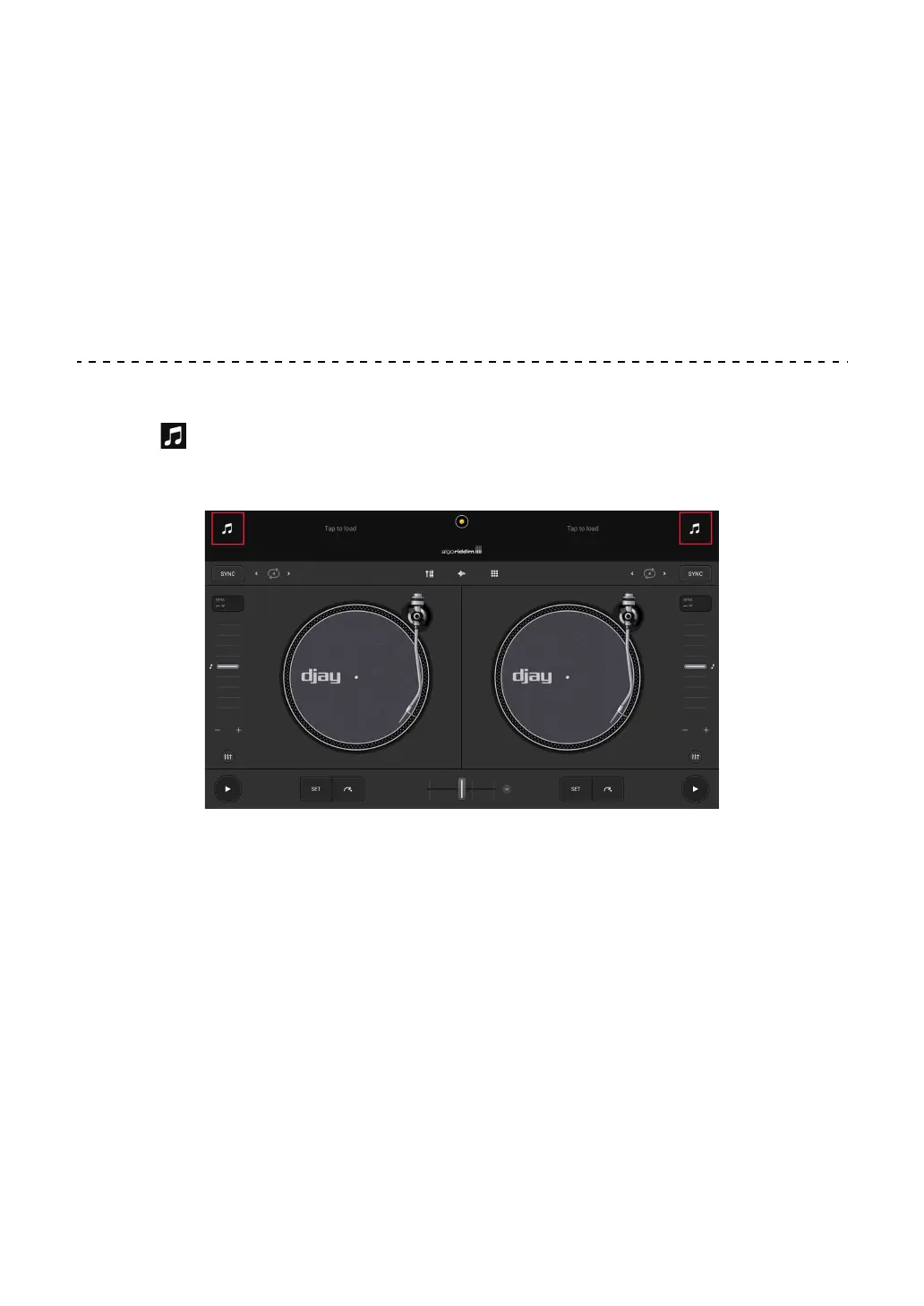
Loading an audio track onto a deck
1 Tap at the top of the main screen in djay.
The browse screen appears.
2 Tap a track you want to load.
The track loads onto the deck.



 To Next Page