djay for iOS/Android
69
En
Using Sampler
You can use the Performance Pads to play tracks or sounds assigned
to the Sampler slots.
1 See: Changing pad mode (page 43) to enter Sampler mode.
2 Press a Performance Pad.
The track or sound assigned to the relevant slot is played.
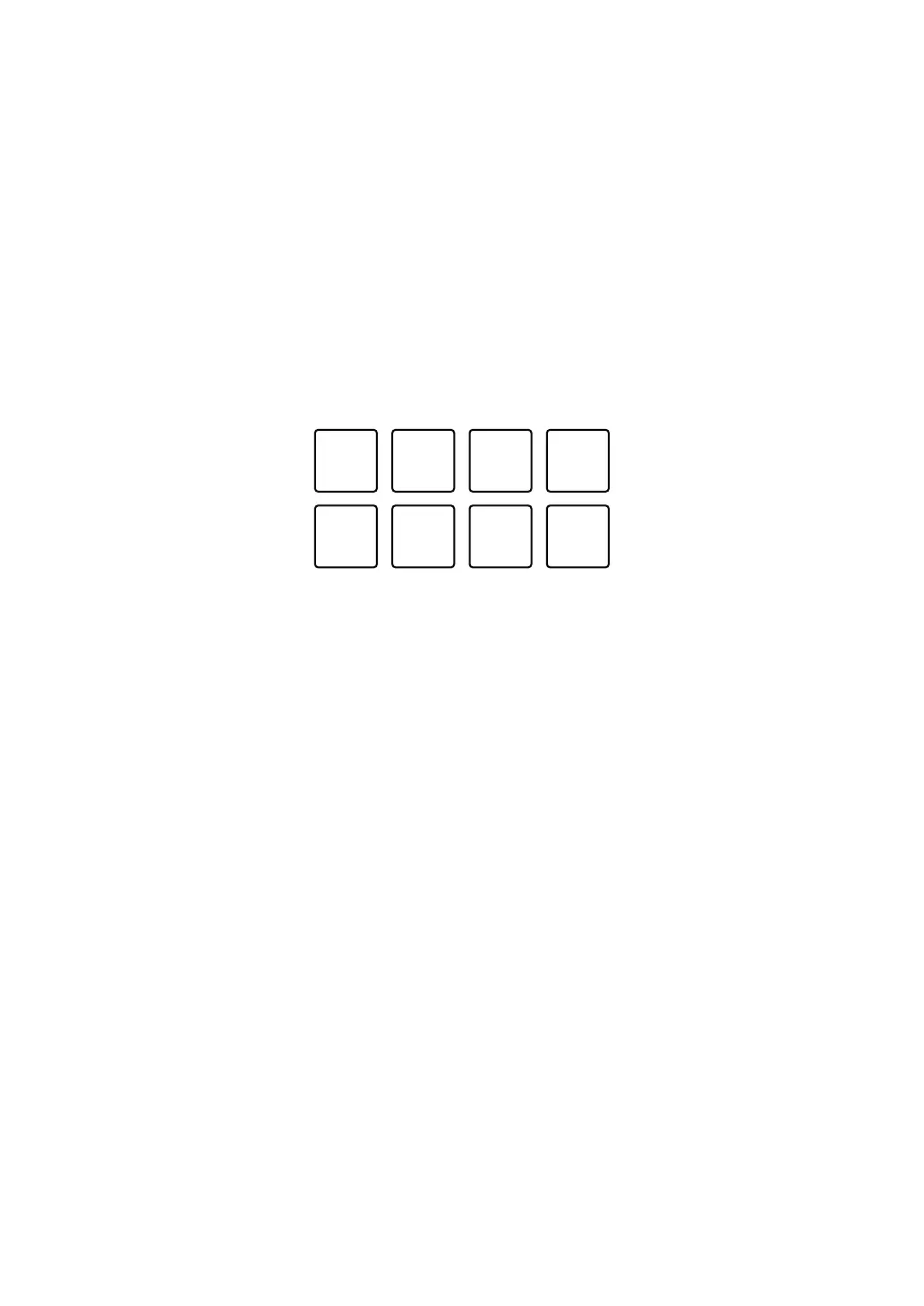
Sampler slots are set to Performance Pads as follows. (The slots in brackets
are for when the Pad mode of deck 2 is set to Sampler mode.)
1: Slot 1 (slot 9), 2: Slot 2 (slot 10), 3: Slot 3 (slot 11), 4: Slot 4 (slot 12),
5: Slot 5 (slot 13), 6: Slot 6 (slot 14), 7: Slot 7 (slot 15), 8: Slot 8 (slot 16)
• Display and operation may differ depending on the operating system and
settings.
• When you press a Performance Pad while holding the [SHIFT] button, the
sound assigned to the slot that is currently playing stops.



 To Next Page