rekordbox for Mac/Windows
86
En
Using Beat Loop
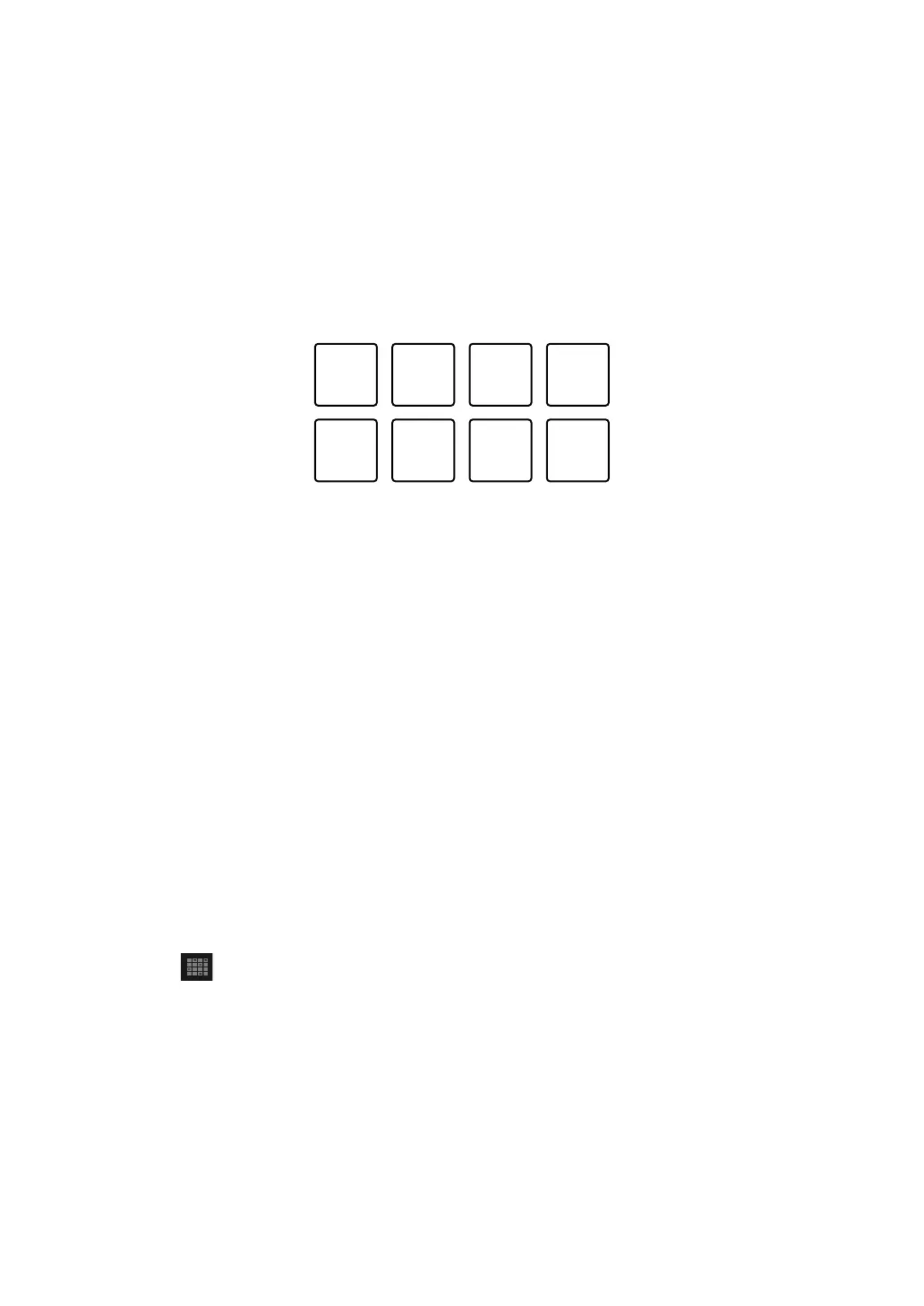
If you press a Performance Pad, a loop with the number of beats
assigned to the pad is set. The loop keeps playing after you remove
your finger from the pad.
1 See: Changing pad mode (page 82) to enter Beat Loop mode.
The number of beats set to the Performance Pads are as follows:
1: 1/4 beat, 2: 1/2 beat, 3: 1 beat, 4: 2 beats,
5: 4 beats, 6: 8 beats, 7: 16 beats, 8: 32 beats
2 Press a Performance Pad.
The loop plays with the number of beats set on that pad.
3 Press the same Performance Pad again.
The loop is canceled and the rest of the track continues to play.
Using Sampler
You can use the Performance Pads to play tracks or sounds assigned
to the Sampler slots.
Preparing to use Sampler
Click the button at the top-left of the rekordbox for Mac/Windows
screen to display the [SAMPLER] panel.



 To Next Page