7-EN
→ SUB-W → BALANCE
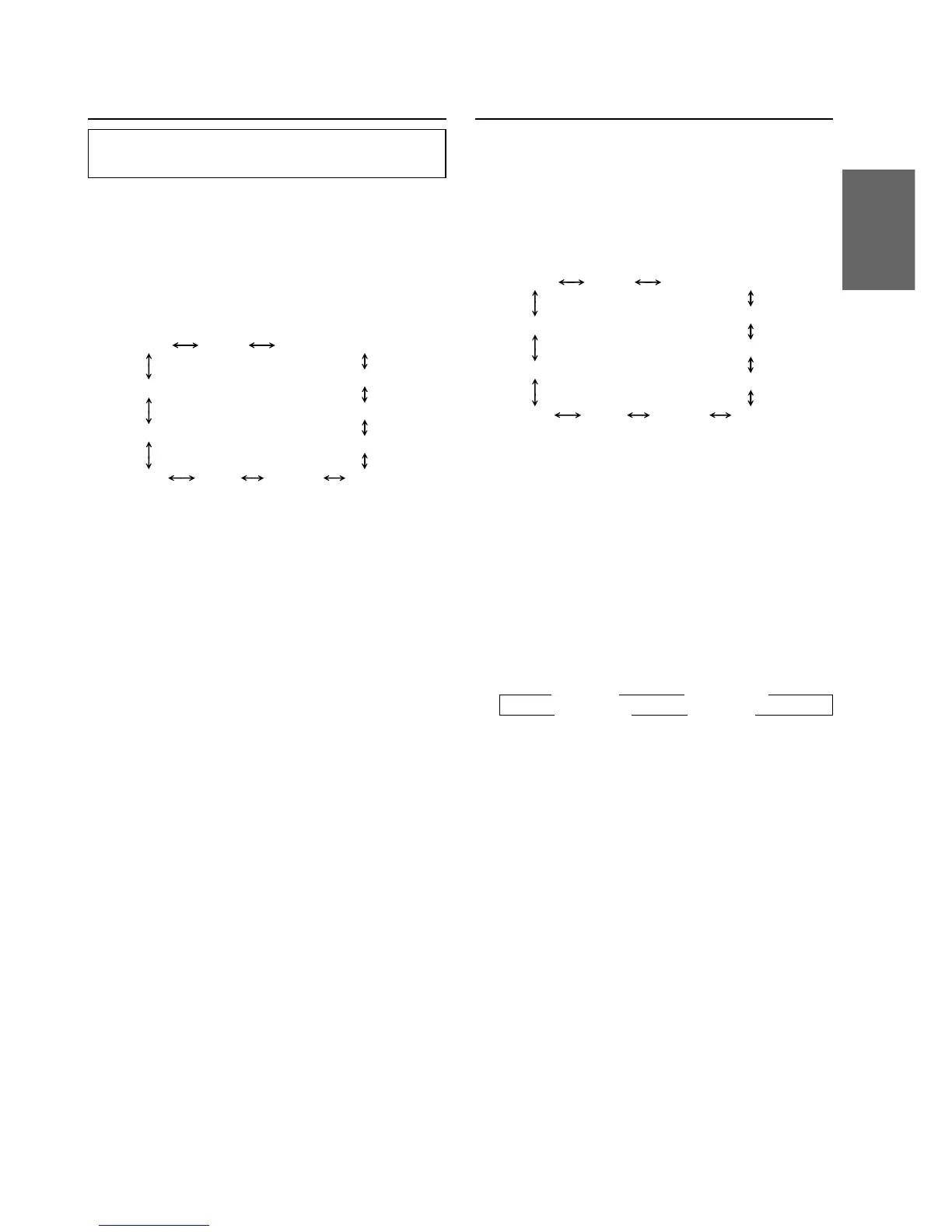
VOLUME ← FADER ←
TUNER SUB-W
SUB-W (switching phase)
∗
SUB-W STEREO/MONO
∗
AUX MUTE SCROLL BEEP
CONTRAST
DISC/FOLDER
DEMO
SRC DHE
TUNER SUB-W
SUB-W (switching phase)
∗
SUB-W STEREO/MONO
∗
AUX MUTE SCROLL BEEP
CONTRAST
DISC/FOLDER
DEMO
SRC DHE
Subwoofer On and Off
1 Press and hold the SETUP button for at least 2
seconds.
2 Press the f UP button repeatedly to select
“SUB-W.”
Each press of the f UP button changes the
modes as shown:
∗ Displayed when you set SUB-W to ON.
NOTE
If you press the g DN button, the display scrolls in
reverse sequence.
3 Press the TUNE button to toggle mode between
SUB-W ON and SUB-W OFF.
4 Press the SETUP button after setting the SUB-W
ON.
5 Press the MODE button repeatedly to select the
SUB-W mode.
6 Rotate Audio Control knob until the desired
sound is obtained in each mode.
Adjusting Display Contrast
You can adjust the display contrast for better
visibility.
1 Press and hold the SETUP button for at least 2
seconds.
2 Press the f UP button repeatedly to select
“CONTRAST.”
Each press of the f UP button changes the
modes as shown:
∗ Displayed when you set SUB-W to ON.
NOTE
If you press the g DN button, the display scrolls in
reverse sequence.
3
Press the TUNE button to adjust the contrast of
the display. You can adjust in a range of -5 and
+5.
The initial setting at the factory is "0."
4 Press the SETUP button to set the selected
mode.


 To Next Page