13
English
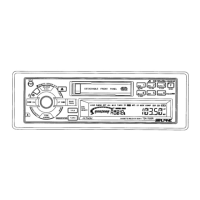
Basic Operation
Adjusting
Volume/Bass/Treble/
Balance/Fader
Press the AUDIO CONTROL button repeatedly
to choose the desired mode.
Notes: • If the AUDIO CONTROL knob is not
rotated within 5 seconds after
selecting BASS, TREBLE, BALANCE,
or FADER modes, the control returns
to VOLUME mode.
• With subwoofer mode turned on,
Subwoofer output level can be
adjusted.
1
2
Rotate the AUDIO CONTROL knob until the
desired sound is obtained in each mode.
Notes: The BASS and TREBLE settings for
each source (FM, AM, TAPE, and CD)
are automatically memorized. These
settings remain until you manually
change them.
VOL
BASS
TREB
BAL
FAD
1 2



 To Next Page