41
English
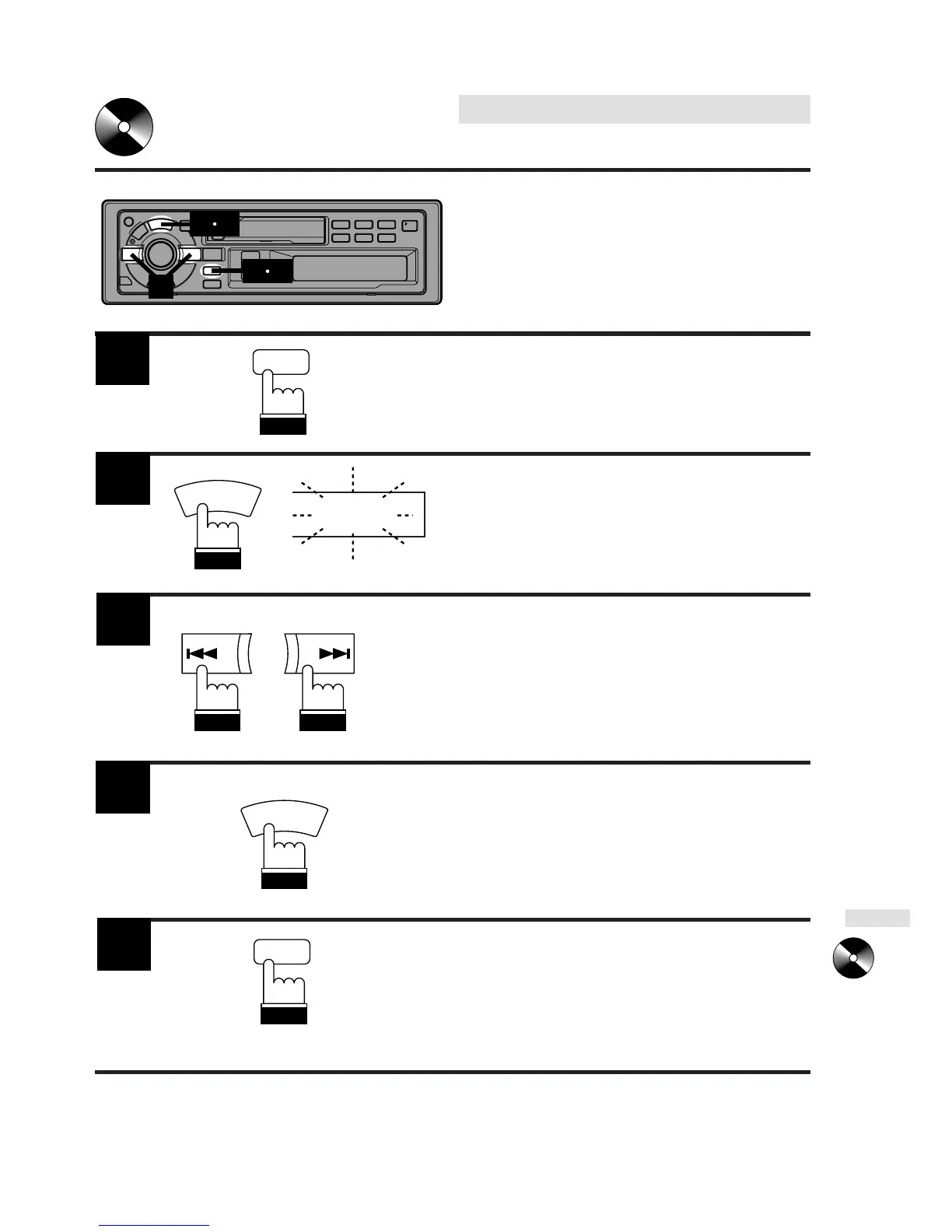
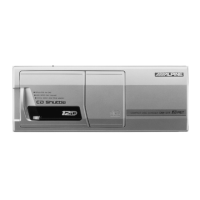
CD Shuttle Operation
Erasing Disc Title
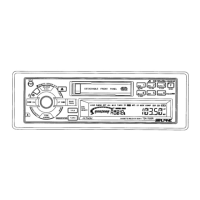
1
Press the TITLE button to select the disc
titling mode. Then press and hold it for at
least 3 seconds.
Press and hold the SOURCE button for at
least 3 seconds to activate the title erasing
mode. The title in the display will blink, for
example "ALPINE."
Press the DN or UP button repeatedly until
the disc title you want to erase is displayed.
Press and hold the SOURCE button for at
least 3 seconds to erase the disc title
displayed.
Press and hold the TITLE button for at least
3 seconds to cancel the disc title erasing
mode.
TITLE
SOURCE
A.S.U.
ALPINE
UP
DN
SOURCE
A.S.U.
TITLE
1
3
2
5
4
2
3
4
5



 To Next Page