25
Radio Operation
English
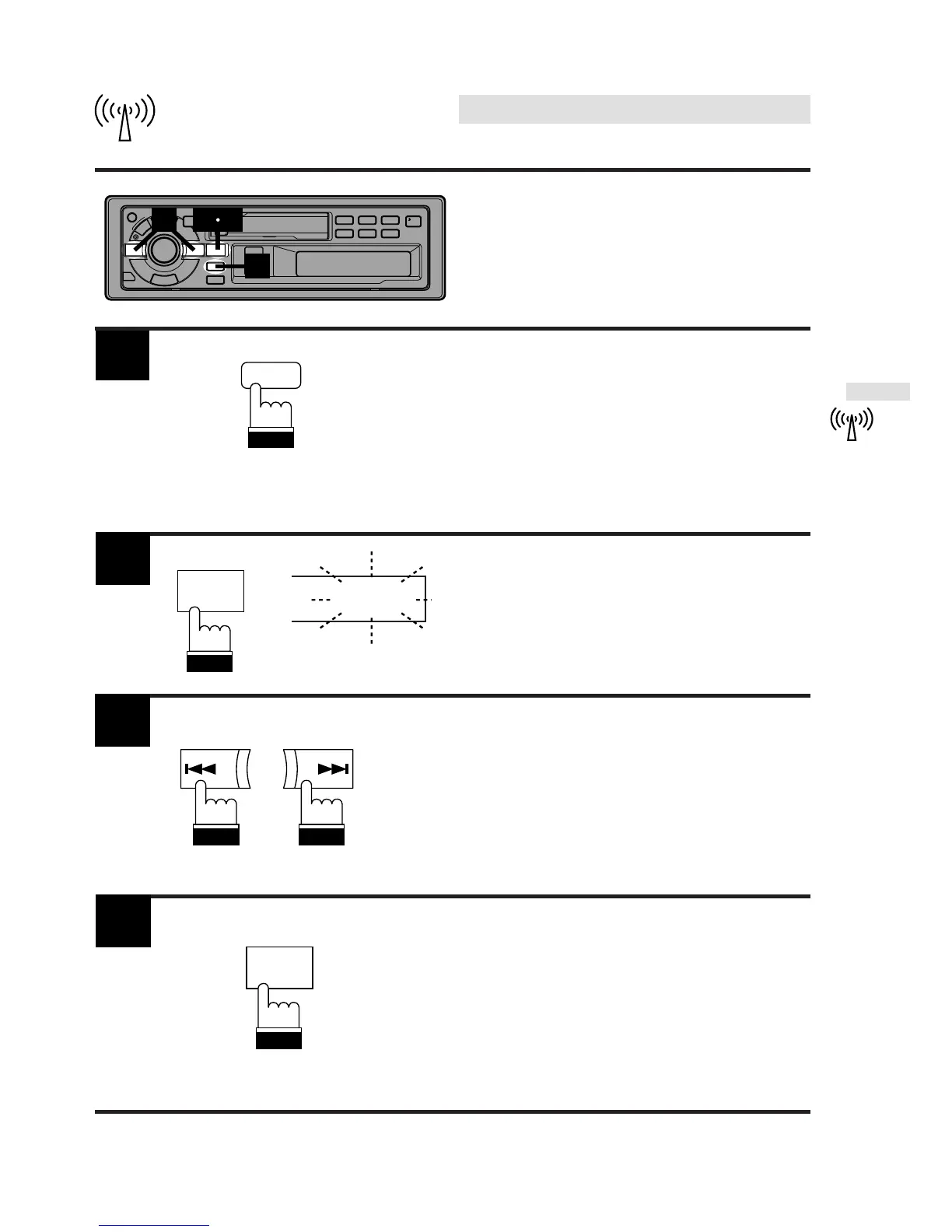
1
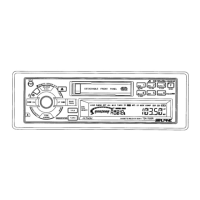
Press the TITLE button to activate the Title
Display mode.
Press the DN g or UP f button to select
the desired station title.
3
Press and hold the T.S.M. button for at least 2
seconds while the station title is displayed.
The titled station in memory blinks in the display.
2
Press the
T.S.M.
button to play the selected
station.
The unit will automatically search the station
and will play that station.
4
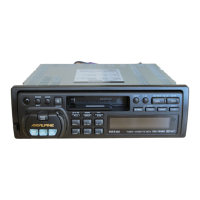
F1 ALPINE
UP
DN
3
1
2 4
TITLE
BAND
PROG
T.S.M
BAND
PROG
T.S.M
Searching Titled Stations
(Title Search Menu)



 To Next Page