38
English
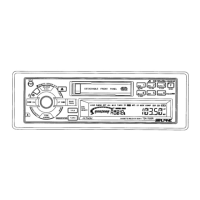
CD Shuttle Operation
Titling Disc
Press the TITLE button to select the disc titling
mode.
1
TITLE
Press the Preset buttons to select the desired
disc to be titled.
Note: You can also select the desired disc by
pressing the
8
and
9
buttons.
2
3
Press and hold the TITLE button for at least 3
seconds. The first digit blinks.
TITLE
or
BLPINE
4
Rotate the AUDIO CONTROL knob to select
the desired letter/numeral/symbol available for
naming ("A" for example).
or
ALPINE
A
4
1 3
2
D.A.P.
1
M.I.X.
4
MONO
2
RPT
5
3
SCAN
6
B. SKIP



 To Next Page