30
English
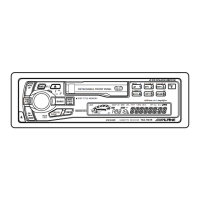
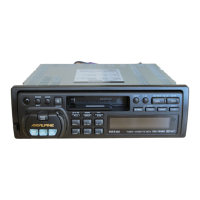
Cassette Player
Operation
Scanning Programs
Press the SCAN button to play the first 10
seconds of each program on the tape. "SCAN"
appears on the display.
Press the SCAN button to cancel the scanning
when the desired program is found.
1
SCAN
SCAN
6
Note: The SCAN operation cannot detect
blank sections of less than 4 seconds.
1
Manual Reverse
Press the PROG button during tape play to
change the direction of play. The tape side
indicators ( and ) change to show which
side of the cassette is being played.
BAND
PROG
TAPE
TAPE
1
1



 To Next Page