10
You can set this device flexibly based on your preference and purpose. You can change audio settings in the
sound setting menu. Use steps 1 to 5 to choose any setting mode to change the setting.
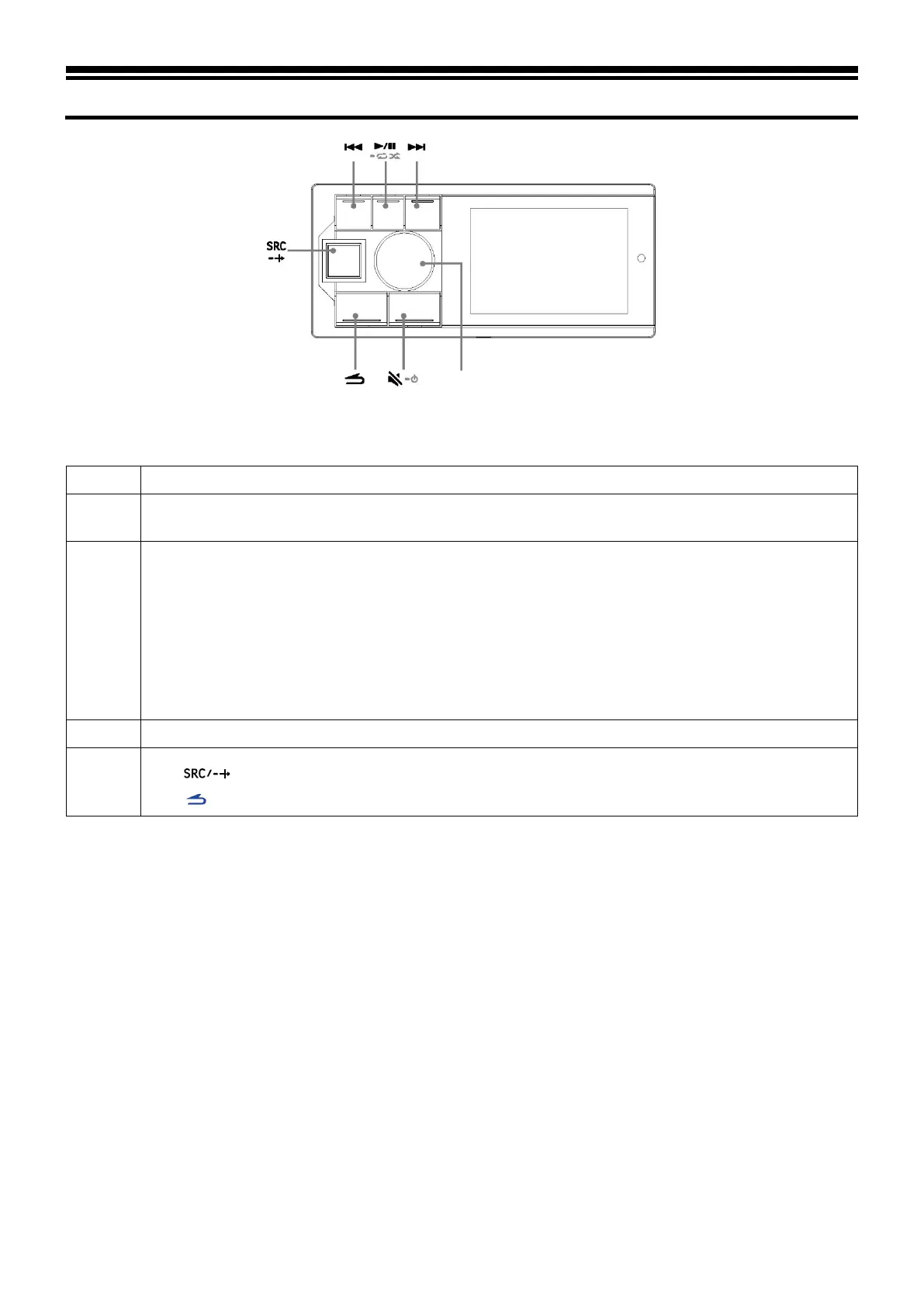
Press and hold the knob for at least 2 seconds to enter the settings interface.
2
Turn the knob to select “Sound Effect Setting” and then short press the knob:
Preset Equalizer ↔ Sound Effect Setting ↔ General ↔ Bluetooth
3
Turn the knob to select the “Sound Effect Setting” menu and then short press the knob:
Treble
*1
↔ Bass
*1
↔ Mega Bass ↔ Channel Balance ↔ Fader
*2
↔ Parametric Equalizer ↔ Input Source
Volume ↔ Time Correction ↔ Divider Settings
*3
↔Sound Setting Storage ↔ Sound Effect Clear
Setting
*4
*1 Any change made to the
“Preset Equalizer” or “Parametric Equalizer” will be reflected in the settings
of the other.
*2 When the “Divider Settings” is set to “Active Divide by 3”, adjustment cannot be made.
*3 Depending on the “Divider Settings”, the setting items may be different.
*4 When “Sound Effect Clear Setting” is enabled, adjustments cannot be made to the preset sound effect.
Turn the knob to change the setting or enter the next level, and then short press the knob.
5
Press to deactivate setting mode.
Press to return to the previous sound menu mode
.



 To Next Page