12
You can set this device flexibly based on your preference and purpose. In the general setting menu, you can
change the general settings, display settings and so on. Use steps 1 to 6 to choose any setting mode to change
the setting.
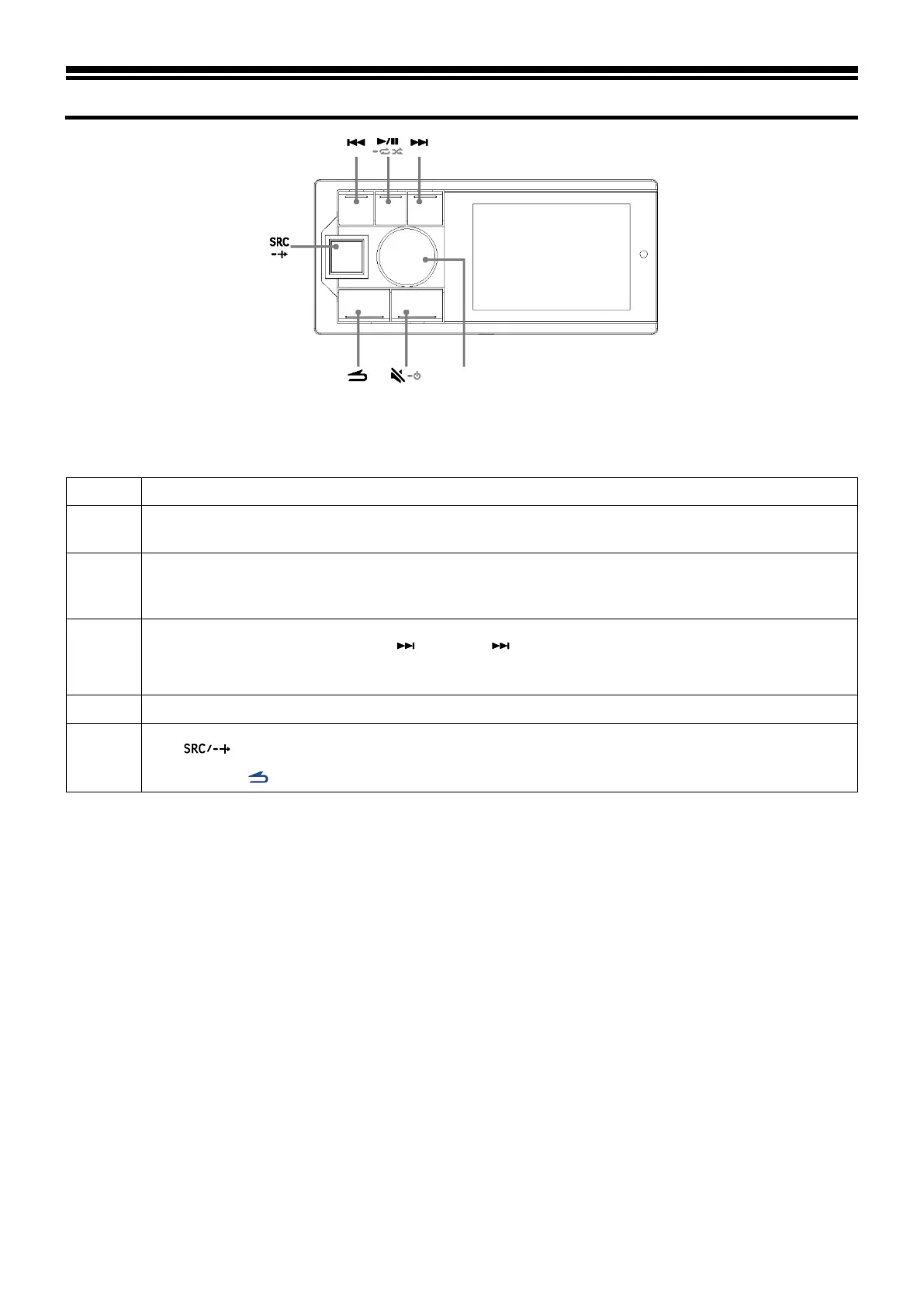
Press and hold the knob for at least 2 seconds to enter the settings interface.
2
Turn the knob to select the desired item and then press the knob:
Preset Equalizer ↔ Sound Effect Setting ↔ General ↔ Bluetooth
3
Turn the knob to select General, and then press the knob:
Auxiliary audio source ↔ Built-in power amplifier ↔ Steering wheel controller learning ↔
Alpine system
matching ↔ Dimmer control ↔ Language setting ↔ Restore factory settings ↔ About
4
In the setting interface, press and hold , knob, and
for more than 2 seconds each in sequence to call the
electrical test mode:
Firmware update ↔ Dealer setting ↔ Serial number
Turn the knob to change the setting and then press the knob.
6
Press to deactivate setting mode.
Caution: Press to return to the previous sound menu mode.



 To Next Page