24
4.Operation (continue)
Be sure to read and understand on the page 3 to 7 “For safety operation” carefully before use
High voltage delay setting
When this setting is enabled, the high voltage operation is operated for 70% to 80% of rated output until 30 seconds of
starting the operation and rated high voltage output operation is done after a lapse of 30 seconds. This setting effects for
drying after starting operation and connecting operation with the other machine, for delaying the high voltage output of
suction from generation of mist. This setting cannot be changed during operation.
Be sure to stop the operation before setting.
●
1 Changing the mode setting
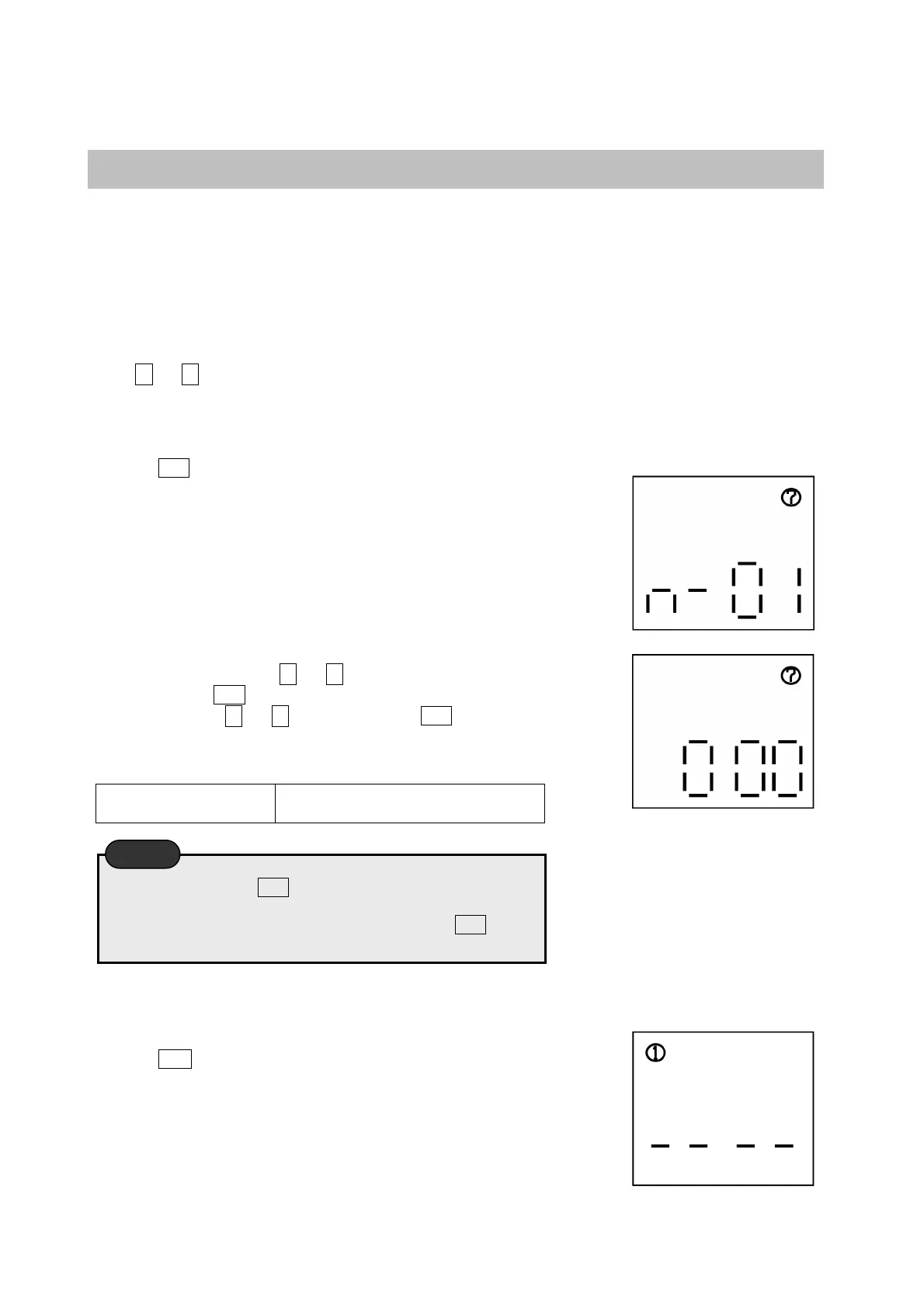
Press △ or ▽ switch to make ⑦ appear in the top right corner in the mode setting display.
●
2 Making flash the top-right icon “⑦”
Press the SET switch to blink ⑦ of the top right corner.
●
3 Changing the setting
During blinks of ⑦, press △ or ▽ switch to appear n-01 on the
display. Press the SET switch to appear『000』 in display. After the
setting by pressing △ or ▽ switch , press the SET switch while
『000』is blinking on the display. At the time of registration, the
buzzer sounds.
000・・・Unset(default)
001・・・Set (Low out put operation
until 30 seconds from starting)
●
4 Back to the top
Press the ESC switch to back the display condition as suggested in the right.
Be sure to press the SET switch during blinks of the icons in
display. At the time of registration, the buzzer sounds and the
setting become effective. If you forget to press the SET switch
or the buzzer does not sound, the setting is not changed.
Caution


 To Next Page