20
EN
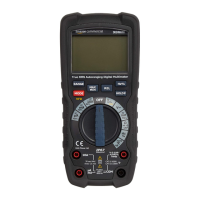
• Set the function switch (E) to the V~ Hz % VFD
position. “AC” will be indicated on the display.
• Insert the black connector lead (N) into the
negative COM input jack (L).
• Insert the red connector lead (N) into the
positive input jack (K).
• Connect the test probes (N) in parallel to the
circuit under test.
• The stabilized value on the display (A) is read as
the actual reading.
VFD mode (Variable-Frequency Drive)
• In AC voltage measurement mode, press and
hold the MODE button (D) for 2seconds. The
VFD indicator (15) lights up.
• Connect the test probes (N) in parallel to the
circuit or component being measured.
• The stabilized value on the display (A) is read as
the actual reading.
NOTICE
Press the MODE button (D) for
2seconds to return to normal operation. The VFD
indicator(15) goes off.


 To Next Page