BAG0083.2 11.17
5.2 Making basic setting (mode 1 to mode 9)
As soon as the work display appears after switching on, the modes 1
to 9 can be entered.
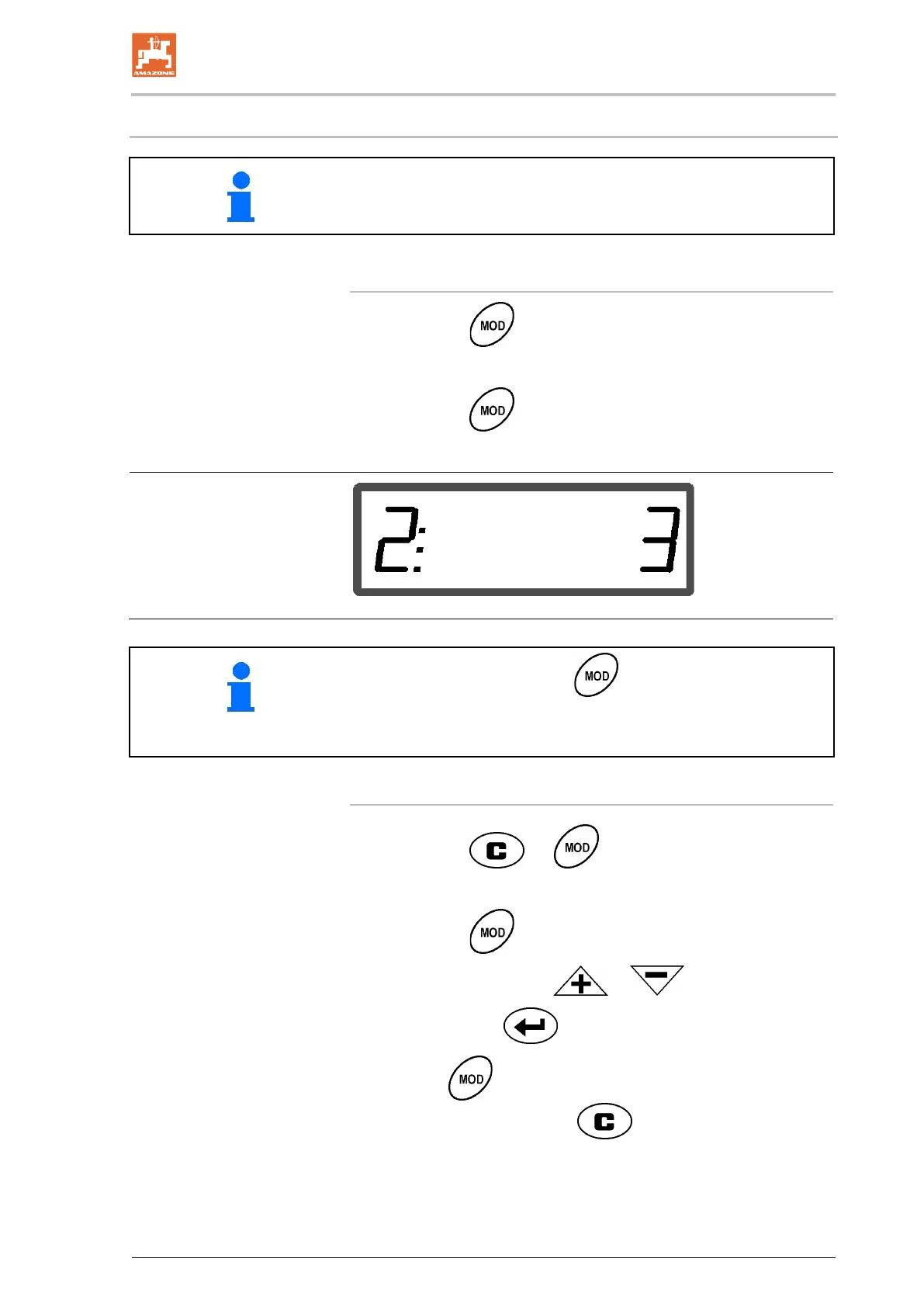
Display of modes 1-9
• Actuate the key
→ Display of mode 2
• Actuate the
key several times
→ Display of other modes (1-9)
• After initial actuation of the key, mode 2 always appears
(product).
• Mode 2 can also be changed without deblocking.
1. Actuate the and keys simultaneously
→ Deblock the stored modes
2. Actuate the
key and select the mode to be changed.
3. Enter the value with the
or keys
4. Confirm with the
key
5. With the
key, select another mode for change, or return
to the work display with the
key.



 To Next Page