AMADOS BAG0083.2 11.17
6.2 Setting the working width via the border spread deflector
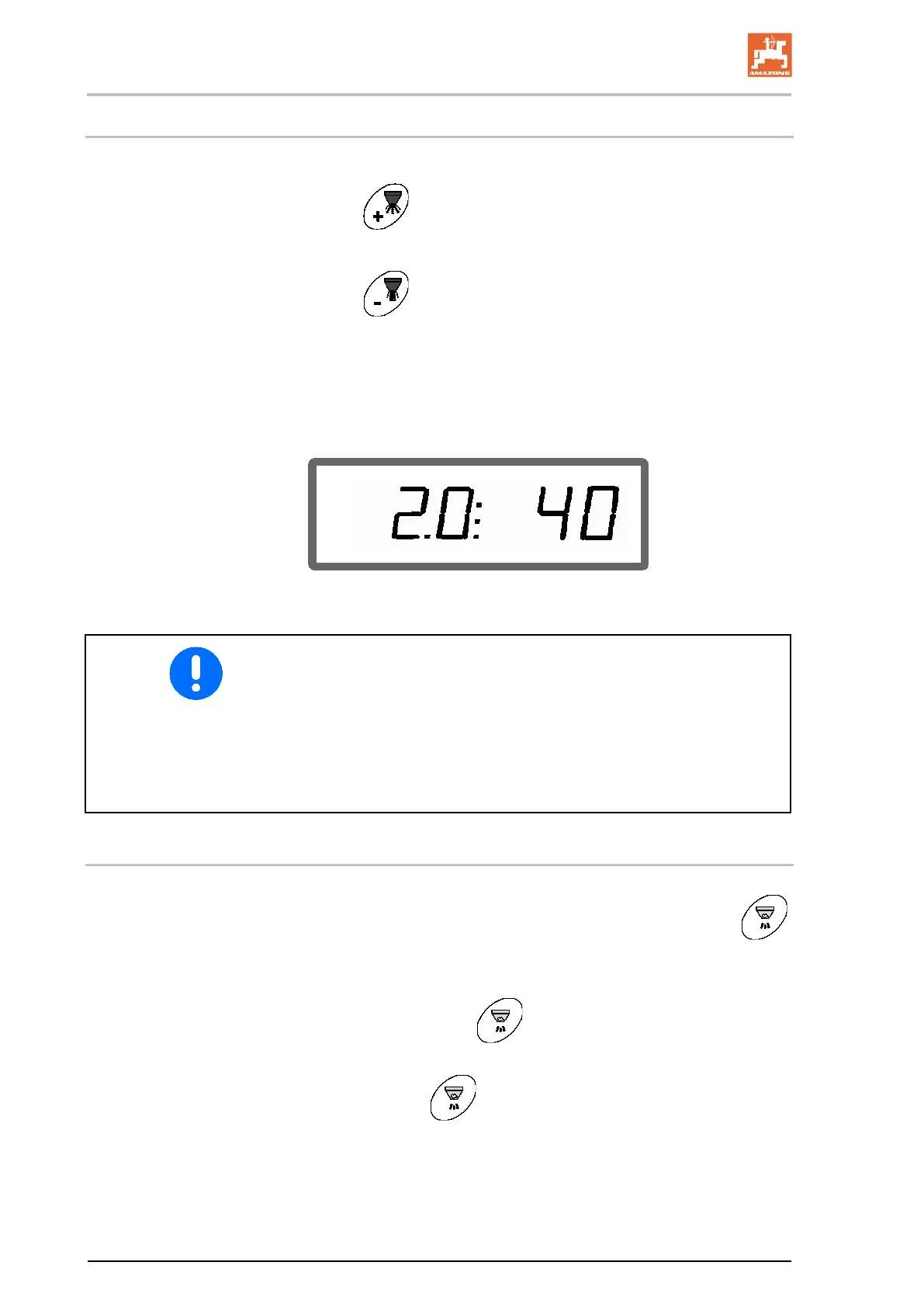
The set working width can be adjusted during operation.
• Raise spread deflector.
→ Larger working width.
•
Lower spread deflector.
→ Smaller working width.
• Hold down the key or press longer until the desired working
width is reached.
• After two seconds, the work menu appears again.
Display of working width / spread deflector angle
• The stored working width is modified by changing the spread
deflector angle.
• The adjustment of the spread rate (area-specific spread rate)
takes place automatically.
• When spreading fertilizer, adjusting the working width via the
spread deflector is not possible.
• Adjustable working widths, see page 16.
6.3 Blockage
Blockages in the dosing unit can be eliminated by pressing the
key.
Only possible during travel with the quantity regulation switched on!
1. Press and hold the
key.
→ The shutter opens fully, blockages are eliminated.
2. Release the
key.
→ The shutter goes to regulation position.



 To Next Page