BAG0083.2 11.17
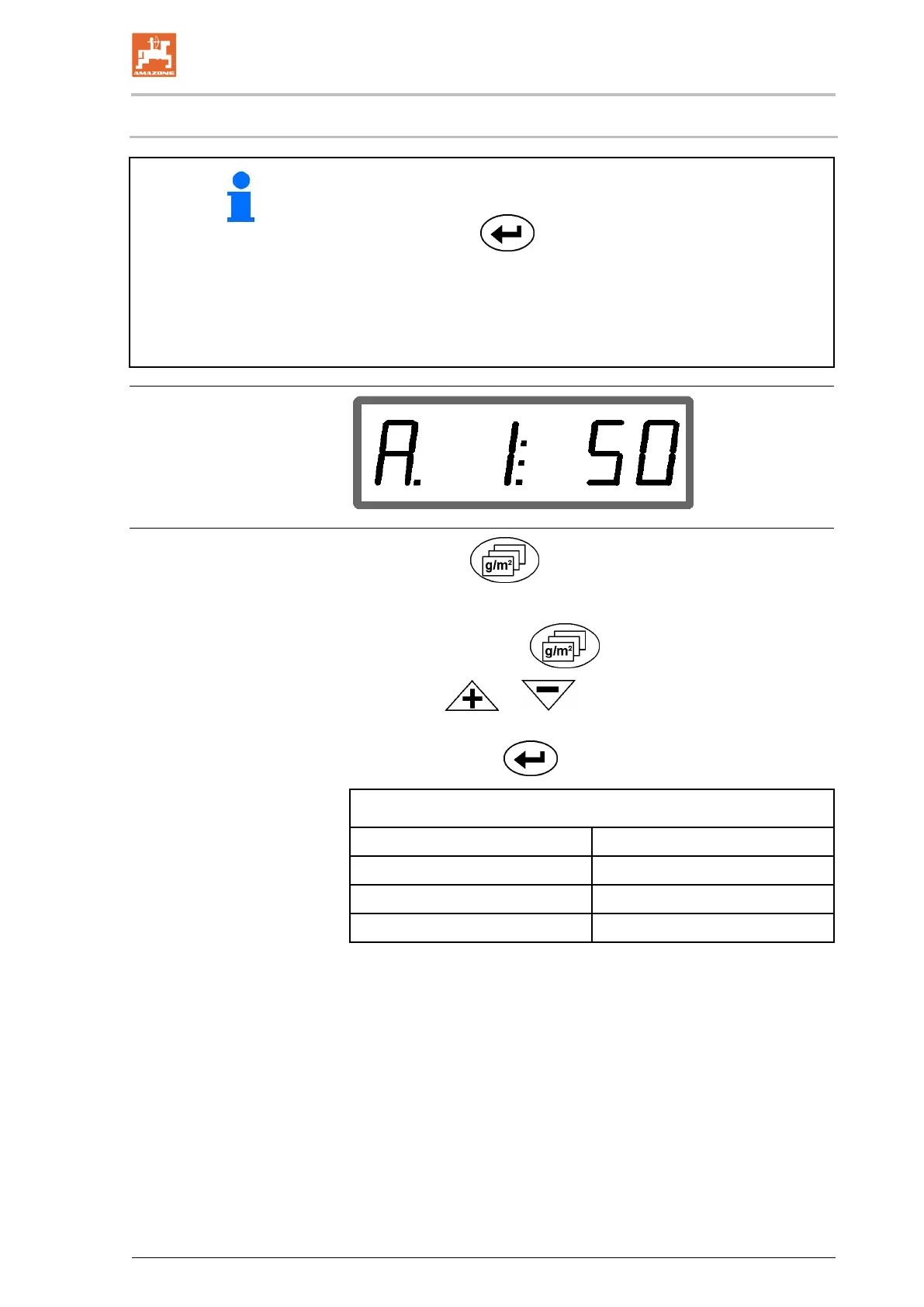
5.5 Entering the spread rate and starting a job
• The spread rate is entered for a selected job.
•
A job is started by selecting a job and entering the spread rate or
actuating the key.
• During the spreading,
ο the spread rate entered for the started job is spread.
ο the field plot for the started job, the total area is deter-
mined.
1. Actuate the key with the vehicle at standstill.
→ The last processed job appears on the display
2. Select a job with the
key
3. Use the
or key to enter the desired spread rate
[g/m
2
], e.g. "50" for a spread rate of 50 g/m
2
.
4. Confirm with the
key.
Adjustable spread rates [g/m
2
]



 To Next Page