BAG0083.2 11.17
6.4 Changing the spread rate during spreading
The preselected spread rate setting can be altered during spreading.
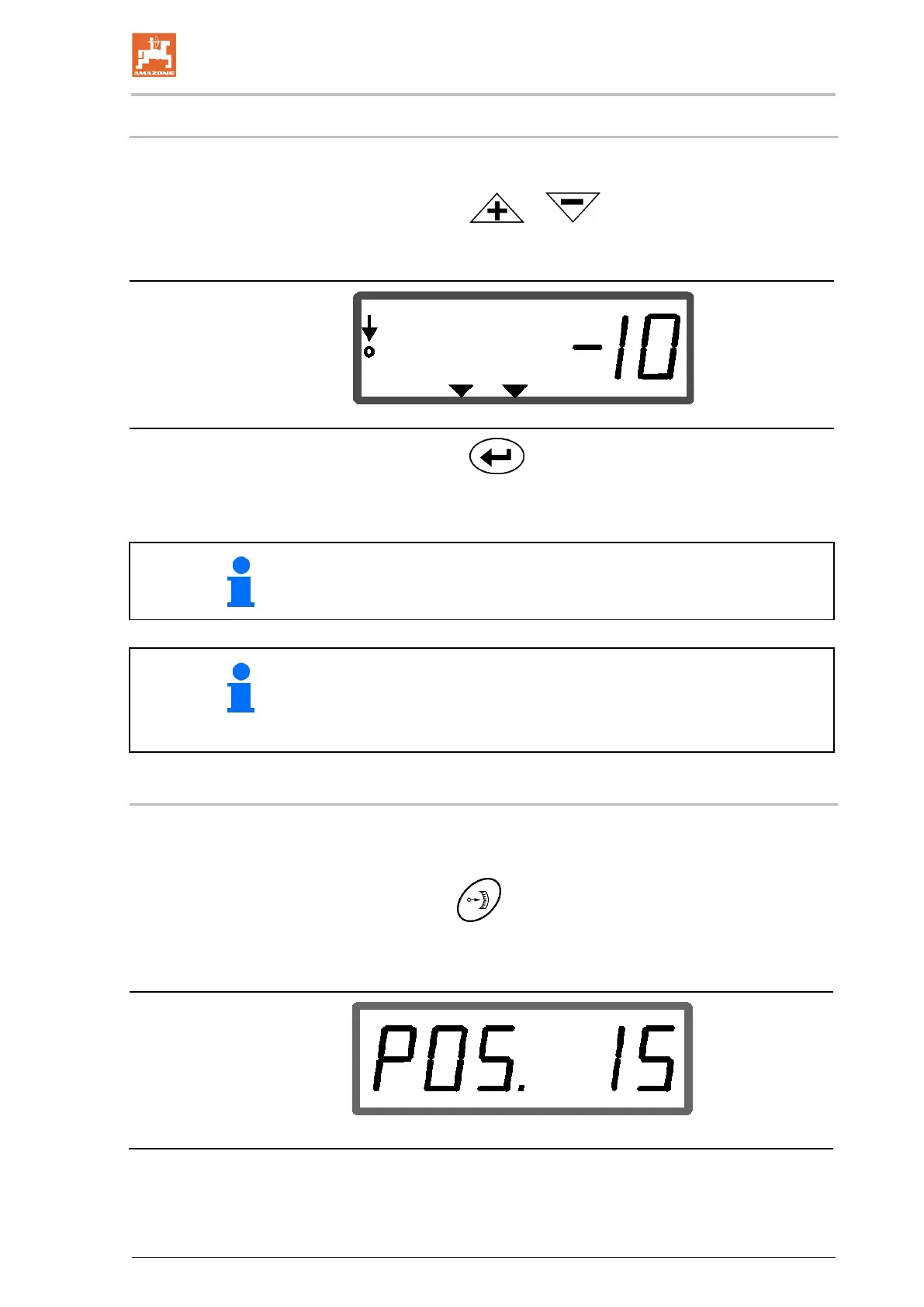
1 Actuate the or key.
With each press of the key, the set spread rate is changed by
the entered increment.
Display of spread rate - 10 %
2. Actuate the key.
→ Specified quantity back to 100%, work display appears.
If the key is pressed several times, the spread rate is changed by a
multiple amount.
• The spread rate change in % is displayed for five seconds, then
the work display reappears.
• The triangle symbol in the work display indicates a spread rate
change.
6.5 Display of the bottom group shutter position
During the spreading process, the current shutter setting can be dis-
played.
1. Press the key with the quantity regulator switched on.
→ Display of shutter position.
→ The work menu appears again after two seconds.
Display of current shutter position 0-55



 To Next Page