BAG0083.2 11.17
5.5.1 Display of job data
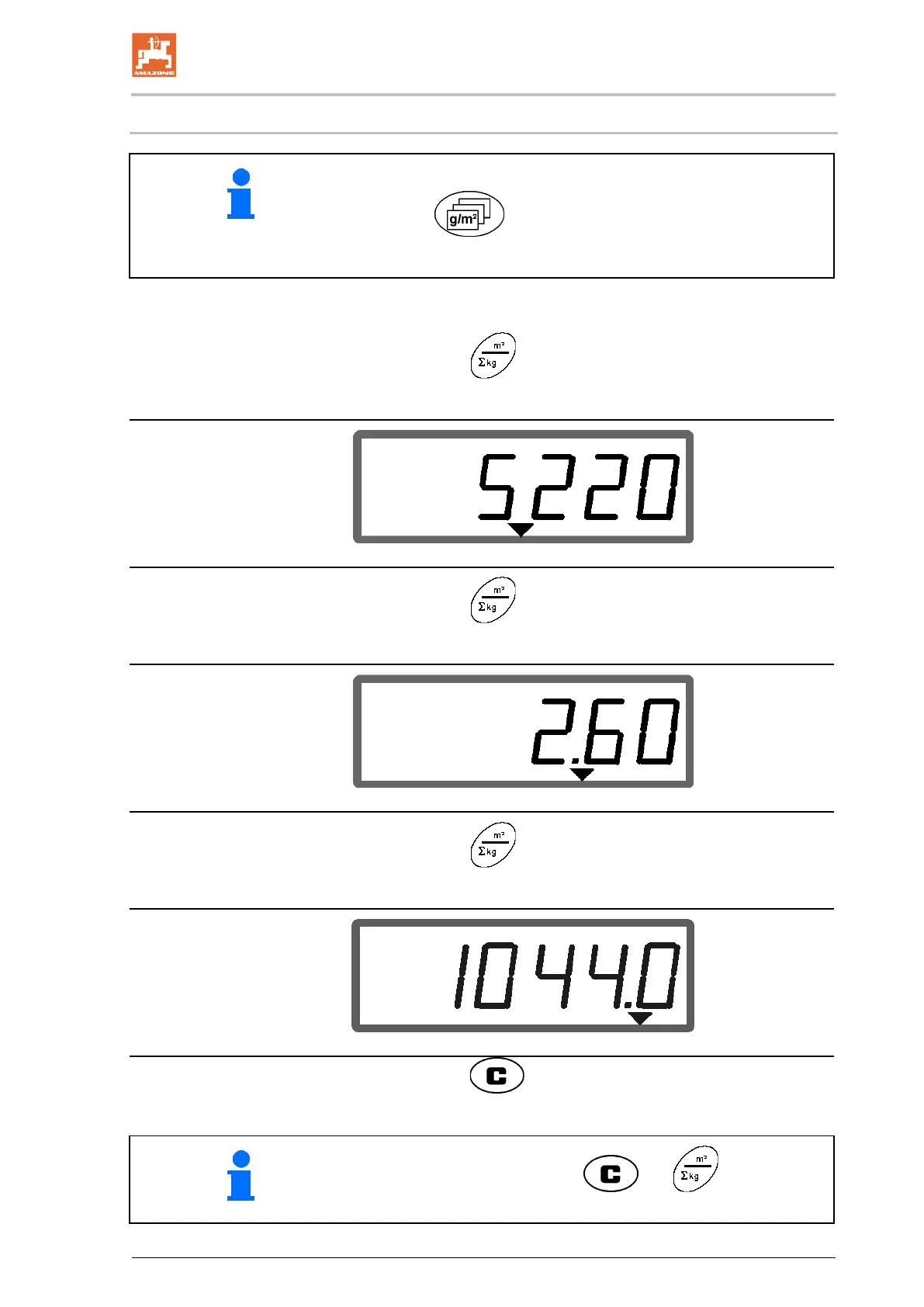
To display the job data for a required job:
Actuate the
key (several times if necessary).
→ Select job.
Job data for the current job:
1. Actuate the key.
→ The worked area in m
2
is displayed for the job.
2. Actuate the key again.
→ The distance travelled in km is displayed for the job.
3. Actuate the key again.
→ The spread rate in kg is displayed for the job.
Display of quantity indicating kg
4. Actuate the key.
By actuating the key combination and , the total area
in ha for all jobs can be displayed!



 To Next Page