14
Operation
AMADOS
+
DB 1001 01.04
4.2.2 Spread rate
I
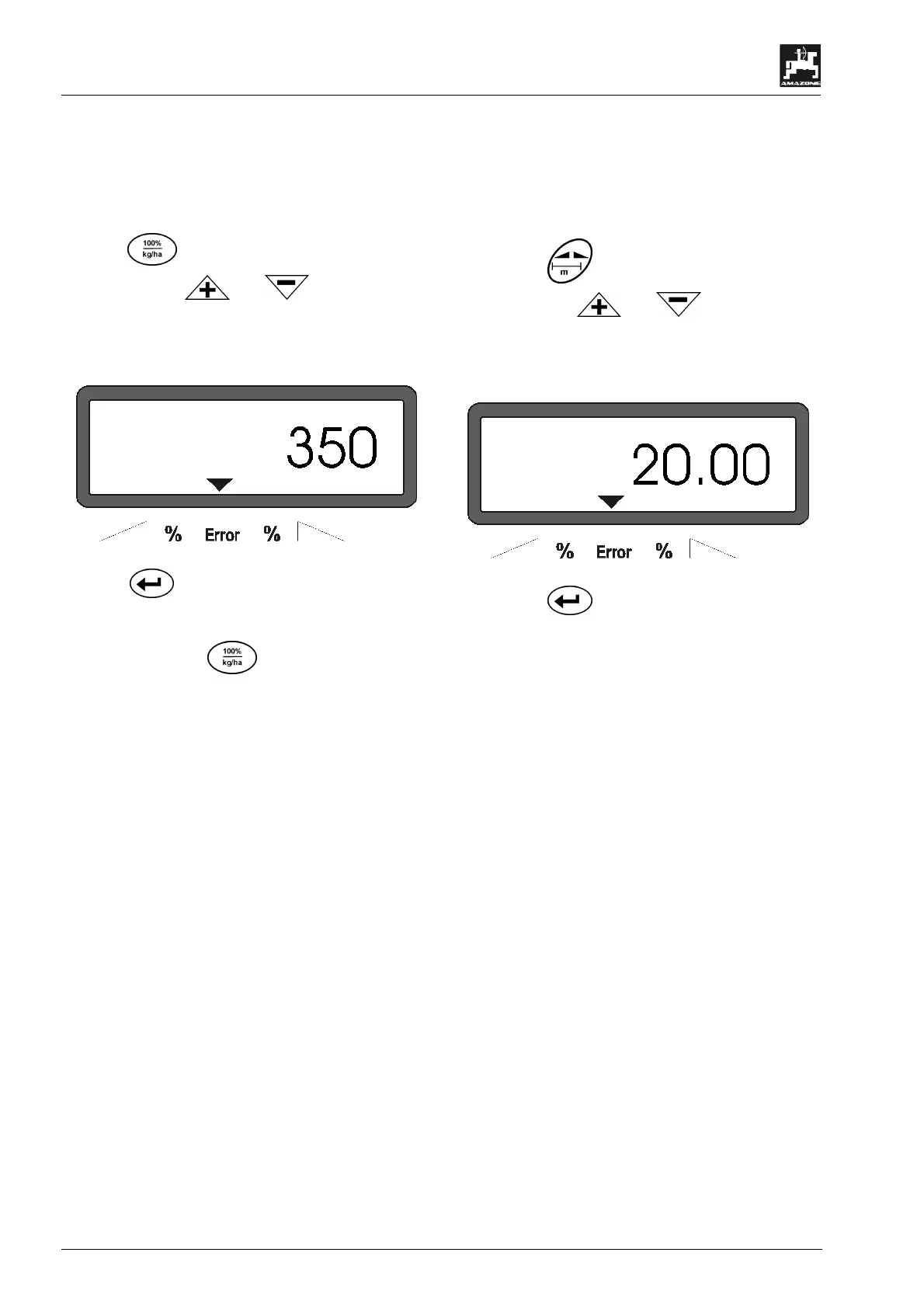
Enter the value for the desired spread
rate whilst the tractor is not moving..
- Press key.
- Via the keys or. dial the desired
spread rate [kg/ha] on the display, e. g. "350" for
the spread rate 350 kg/ha.
Display of the spread rate
- Press key. The dialled value "350" will be
stored.
- Press once again key to check the stored
value. On the display then the figure "350" should
appear.
F
During fertilising operation the spread
rate can be changed in +/-
(please refer to chapter 4.3.2).
F
At spread rates of more than 1000 kg the
first digit is not shown.
4.2.3 Working width
For determining the operated area AMADOS
+
re-
quires information about the working width. The work-
ing width should be entered as follows:
- Press key
- Via the keys or. dial the desired
working width [m] on the display, e. g.“20.00” for
20 m working width..
Display working width
- Press key
and thus store the dialled value.
- Once again press key to check the stored value.
On the display then the chosen figure, e. g.
"20.00" should appear.



 To Next Page