18
Operation
AMADOS
+
DB 1001 01.04
4.3 Putting into operation in the field
I
Enter all data as described before..
4.3.1 Carry out the start function
Before starting to operate carry out the "start func-
tion" and the implement is ready to work. For this
- Press key
keep pressed and simultane-
ously press key
.
F
The memory for the part area hectare
counter and the applicated spread rate
is set on to "0".
- Set the pto shaft speed to 540 RPM (unless not
otherwise stated for the working width setting in
the setting chart).
- Start the tractor and open the shutter.
F
As soon as a shutter is opened, the dis-
play changes to the operation display.
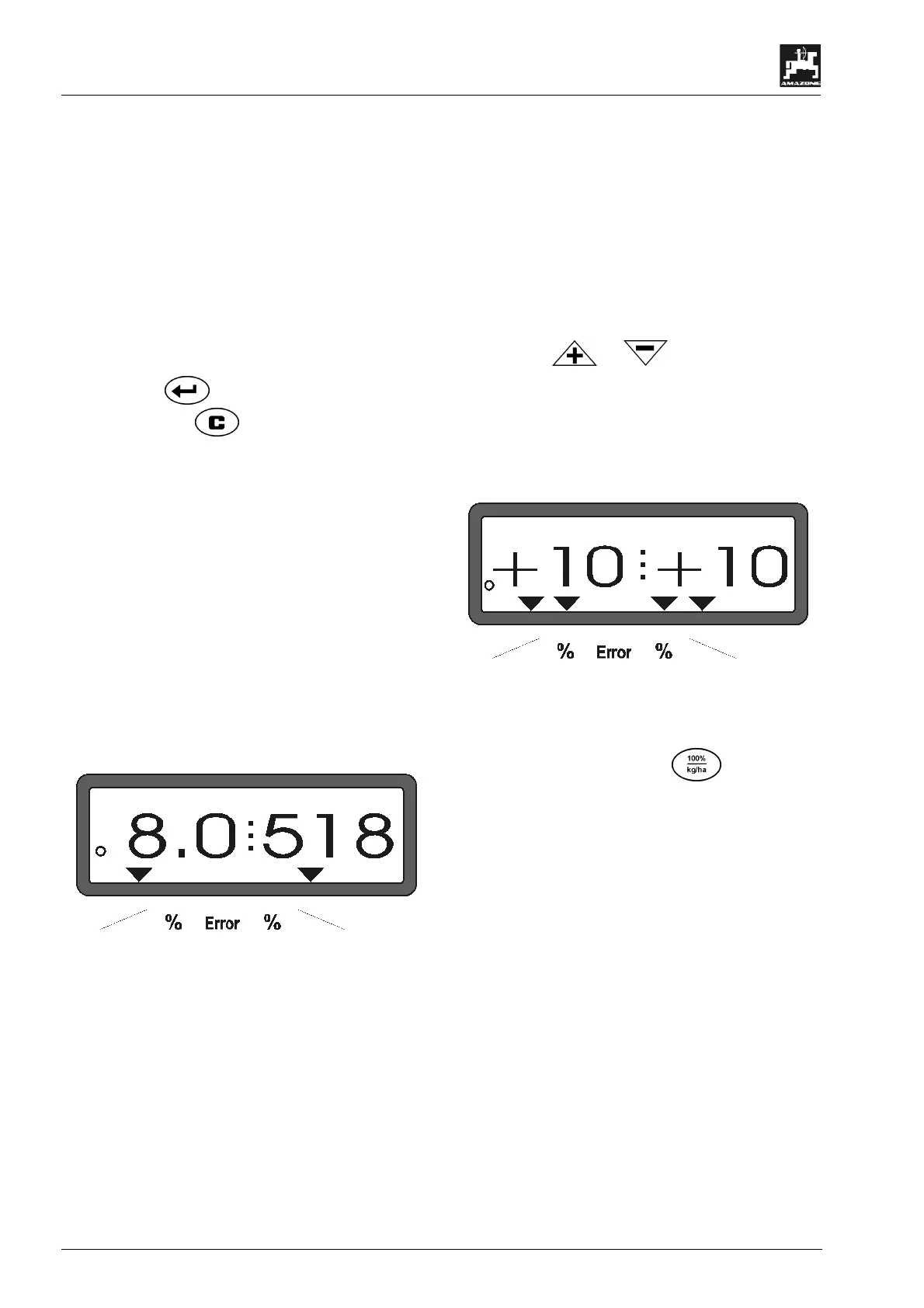
The display shows the actual forw
speed [k.p.h.] and the actual spread rate
[kg/ha].
Operating display
4.3.2 Changing the spread rate during fer-
tilising operation
During spreading operation the pre-selected desired
spread rate value can be changed for both shutters
simultaneously or for every shutter individually.
4.3.2.1 Simultaneous spread rate change for
both shutters
- Press key or With every key pres-
sure the pre-selected spread rate for both shut-
ters together changes by + or – 10%. The per-
centile spread rate deviation from the pre-selected
desired spread rate is shown in the display.
Display after having pressed the keys for the simultaneous spread
rate change
F
After approx. 10 seconds the display
returns to the operational display.
F
Pressing the key
changed spread rate to the pre-
desired spread rate value.



 To Next Page