15
3.9 Optional Password (PIN protection)
To protect the entered settings, you can use a
password PIN code. This unique 4 digit PIN
code will be required to change the settings that
you have stored and will prevent unauthorised
amendment of the settings.
Refer to the Engineers Settings of this
manual to activate this option.
Note: PIN protection is not initiated as a default
setting.
N ENTER
+ /- /OK
3254
I
P
3250
I
P
3250
I
P
3200
I
P
3200
I
P
3000
I P
3000
I
P
+ /- /OK
0000
I
P N ENTER
+ /- /OK
N ENTER
+ /- /OK
N ENTER
+ /- /OK
N ENTER
+ /- /OK
Th 09 : 32
AUTO ON
N ENTER
+ /- /OK
N ENTER
+ /- /OK
N ENTER
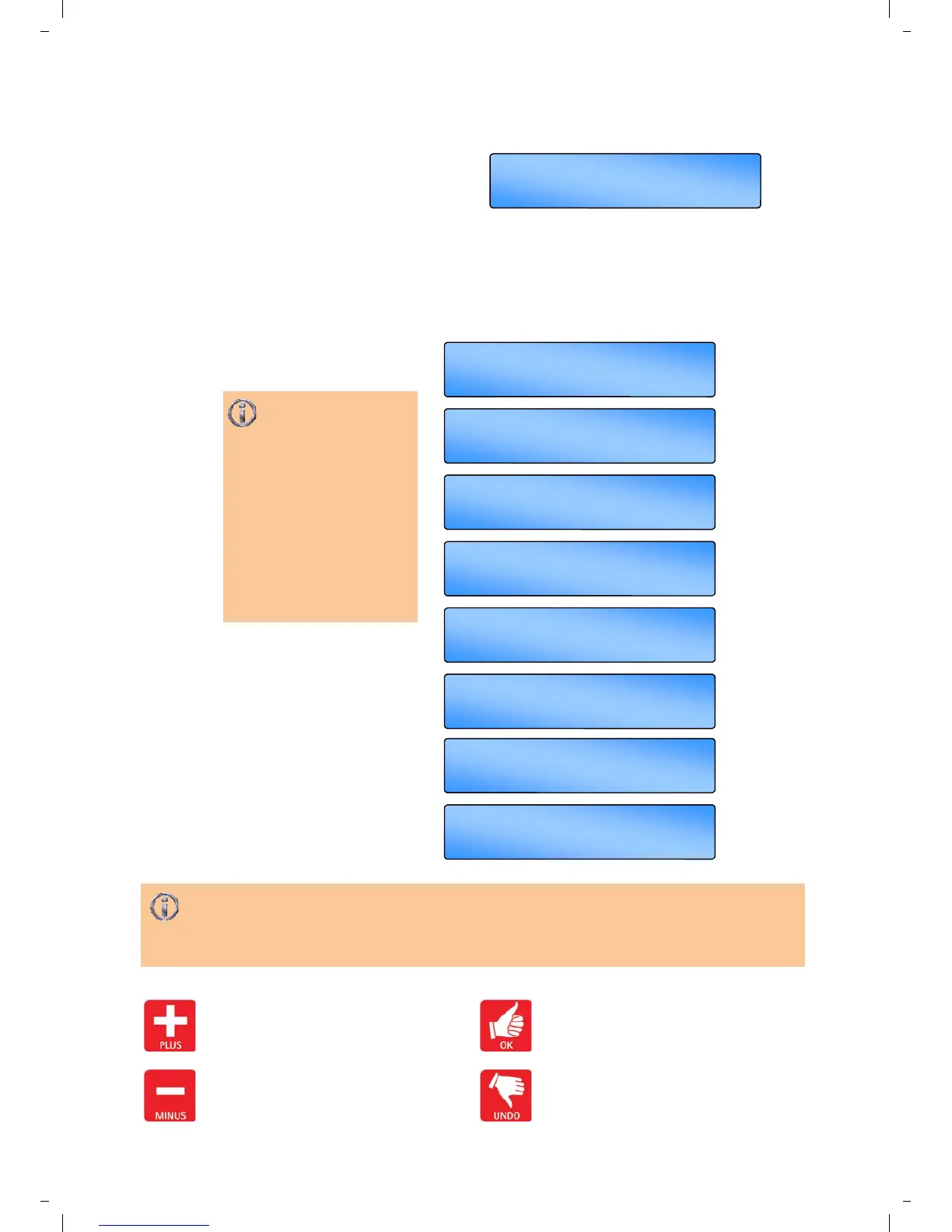
Use the + button to increase the value.
Use the - button to decrease the value.
the value.
Press the OK button to accept the value
and advance to the next display.
Press the UNDO button to cancel setting
but save any previous changes.
Press + or - button to
set the first number
then press the OK button.
The next digit will start
flashing to be set.
Continue till last number is
entered.
The final press of the OK
button will allow settings to
be modified.
PIN 3254 shown opposite
is an example only.
*If you forget the PIN code there is a Master PIN code that is factory set by the manufacturer.
This Master PIN code over-rides the unique PIN code and will enable you to change the PIN code
again. Please call your local distributer for this Master PIN code.


 To Next Page