21
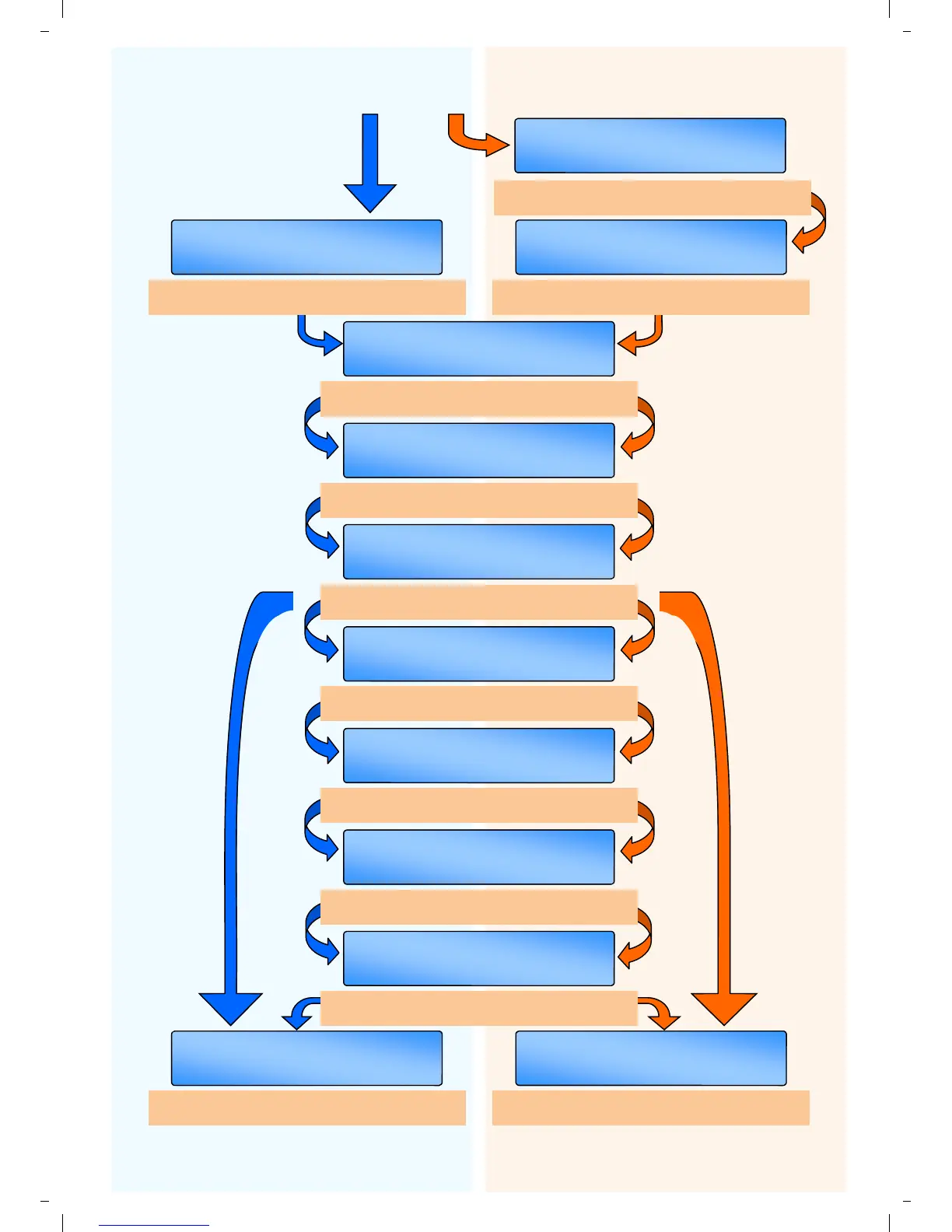
OFF
SET/OK
EXTERNAL SENSOR
SET/OK FAN
VENT 3 FUNCT I
ON
SET/OK OFF
NETWORKING
SET/OK OFF
EXAM MODE
SET/OK OFF
RAD/ARC/HB SPL
I T
ON
SET/OK
NTERNAL SENSOR I
Turn ‘ON’ to put the controller into a DF & IDF
configuration.
Turn ‘ON’ split zone/single fan configuration
under network conditions.
SET/OK ON
SLAVE RESPOND
SET/OK 0
SLAVE NUMBER
SET/OK 0
ZONE TOTAL
SET/OK OFF
MASTER UN
I
T
Toggle between ‘FAN’ for warm air and
‘DAMPER’ for heat/cooling systems.
Turn ‘ON’ for 2 stage temperature in sports
halls (ie sports/exam modes.)
SLAVE UNITS ONLY: Slave responds to
remote off command from Master control.
ENGINEERS SETTINGS FOR
WARM AIR PRODUCTS
ENGINEERS SETTINGS FOR
RADIANT PRODUCTS
MOVE TO TOP OF NEXT PAGE
(If Networking is on)
Turn ’ON’ for Master control panel.
MASTER UNIT ONLY:
Set figure for total number of ZONES.
SLAVE UNITS ONLY:
Set figure for unique zone number. Max 16.
Turn ’ON’ for Master and slave configuration.
Up to 16 zones can be networked.
Turn ’ON’ for in-built internal sensor.
Turn ’ON’ for optional External Black Bulb or
Air sensor.
OFF
SET/OK
DF & DF I
21
SET/OK OFF
ARC HEATERS
Turn ‘ON’ for ARC configuration.


 To Next Page