Chapter 3
Display Configuration
This chapter describes how to configure displays. It also lists available display
connections for your graphics accelerator.
3.1 Baseplate Connections
3.1.1 Display Connections
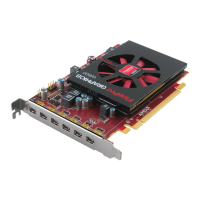
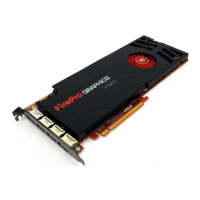
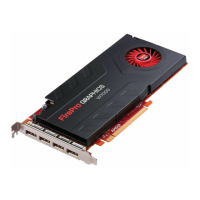
The following figure shows the display connections on your graphics card.
Note: Baseplate may not appear exactly as depicted.
Figure 3–1 AMD FirePro™ W7000 Display Connections
1 DisplayPort 1.2 Connection
2 DisplayPort 1.2 Connection
3 DisplayPort 1.2 Connection
4 DisplayPort 1.2 Connection
3.1.2 Stereoscopic Connection
The following figure shows the stereoscopic port that connects your AMD FirePro™
W7000 graphics card to stereographic glasses. The bracket can be attached if needed,
or left off so that the graphics card covers only one PCI slot in the computer's case.
Note: Baseplate may not appear exactly as depicted.
©
2012 Advanced Micro Devices Inc. AMD FirePro™ W7000 Graphics Accelerator







 To Next Page