5. Align the new workstation card in the primary PCIe slot next to the existing
graphics card and press firmly until the card is fully seated.
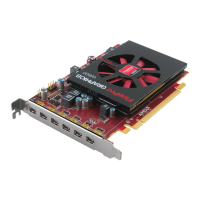
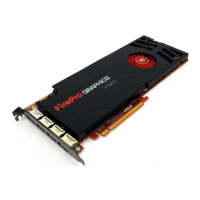
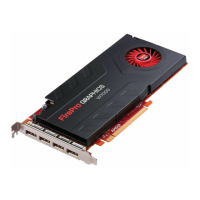
Figure 5–1 AMD FirePro™ Card Installation
Note: You may need to hold open the PCIe card slot-locking mechanism with
your finger when you seat the card.
6. Fasten the workstation card securely to the back panel.
7. Connect external power to the workstation card from the systems power supply,
if necessary.
16 AMD CrossFire™ Pro Technology
AMD FirePro™ W7000 Graphics Accelerator © 2012 Advanced Micro Devices Inc.







 To Next Page