18 Amico Mobility Solutions Corporation
Emergency Stop
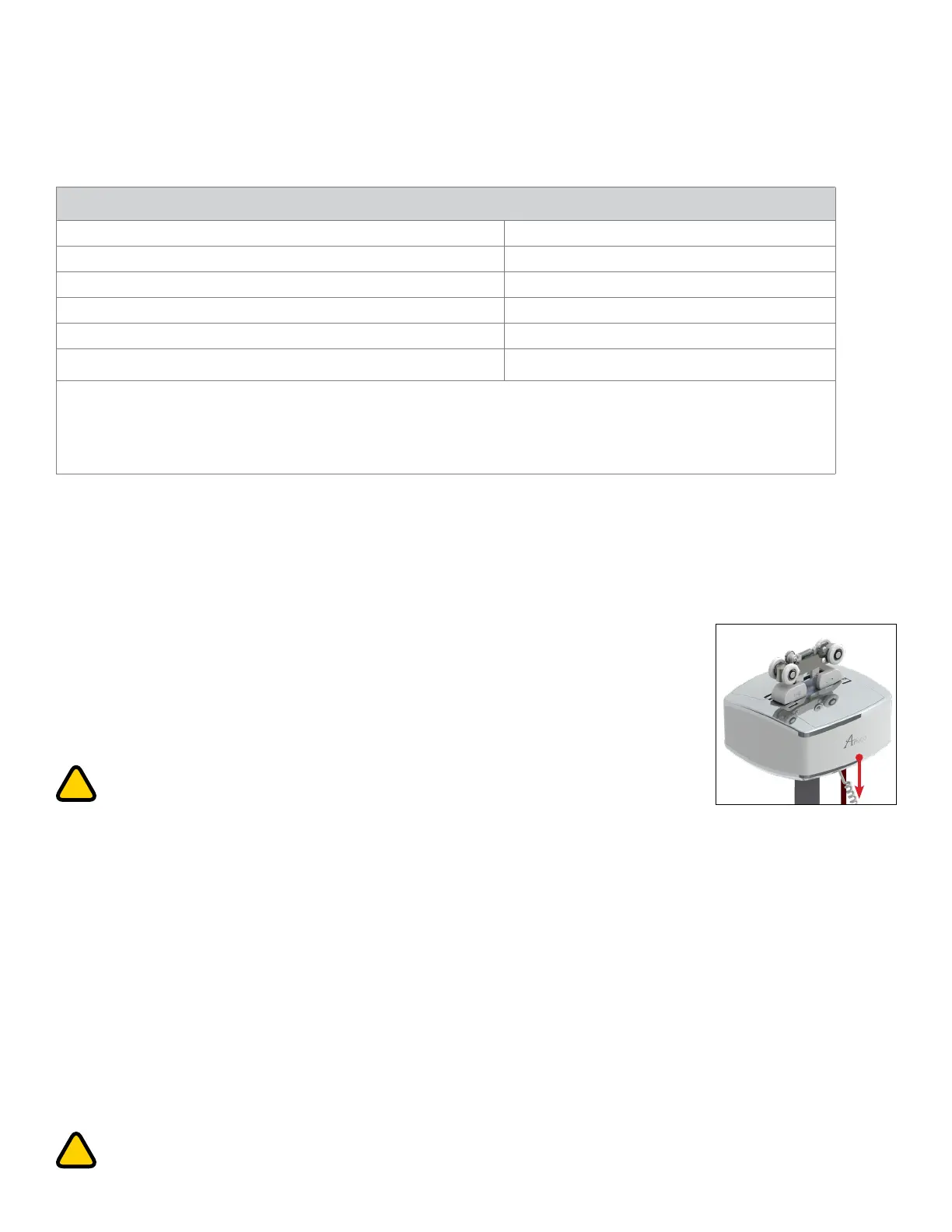
The GoLift unit also has an Emergency Shut-off feature that allows the operator to
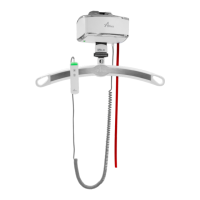
shut-off the power to the lift completely in the event of an emergency. By pulling once
on the RED emergency lowering cord, located on the underside of the lift, the lift will
immediately stop and all its functions will be disabled. The ON indicator light will turn
off, and the Emergency Shut-off button located inside the lift will pop out. After an
emergency, the lift must be inspected prior to restoring to use. In order to restore power
to the lift, the tab must be pressed back into the lift.
WARNING: Do not pull the red cord forcefully. For assistance after an emergency,
contact: Amico Service at: acs-service@amico.com or 1.877.462.6426
Emergency Lowering
In the event that the DOWN button on the hand control does not function, or in power failure situations, the patient
may be lowered by pulling and holding down the RED emergency lowering cord located on the underside of the lift.
Continue to pull down until the patient is safely lowered to the desired position. The lift will beep as you continue
to pull down on the cord and will continue beeping until the cord is released after the desired lowering has been
achieved.
NOTE: The emergency lowering button does not provide a raising function. The failure of any of the lowering devices
should be reported to Amico Mobility.
WARNING: In an event of emergency when normal lowering system of the lift malfunctions and the
“emergency lowering” function is used, the lift must be reset by a qualified lift technician before re-use.
OTHER ERROR CODES
Error Codes
Latch error Blinking red 1x/s, continuous beep
Battery not plugged in/No temperature sensor detected Blinking red (3x/s, 1s off), beeping 1x/5s
Over capacity Blinking red (2x/s), continuous beep
Charging error: Battery over temperature/Sensor Error Blinking red (2x/s), beeping 1x/5s
Brake end of life Blinking red (4x/s,1s off), beeping 1x/5s
Maintenance alarm Blinking green (2x/s)
Maintenance alarm:
After 1,001 lifts, the LED will flash green. To reset, press buttons in the following sequence: Up, Down, Up, Down,
then hold both buttons for 10 seconds. If successful, the LED turns red, green and amber. The buzzer will beep three
times. Note: Reset can be performed at any time, not just after the 1000th lift.
LED and Buzzer Functions


 To Next Page