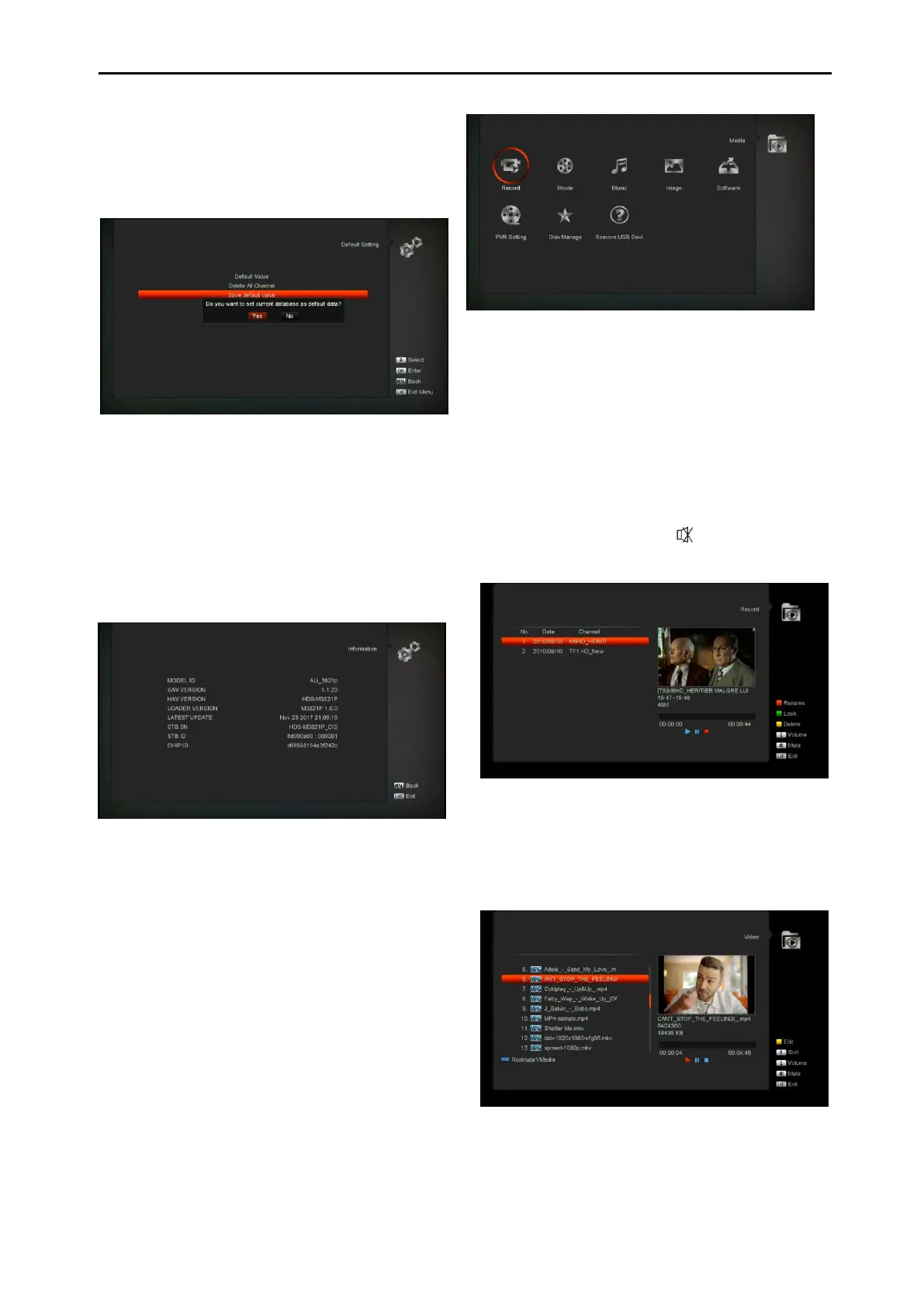
whether confirm to delete all channel. If you
select “OK”, all the channel will be deleted.
11.8.3 Save default value
When you press [OK] key in the “Save default
value” item,there will show a message to inquiry
you"Do you want to set current database as
default data?".If you select “OK” option,it will to
set current data as default data
11.9 Information
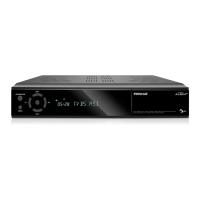
1 When you enter to “Information” menu, you
will see a screen like above. The screen
displays :MODEL ID,S/W VERSION,H/W
VERSION,LOADER VERSION,LATEST
UPDATE,STB SN,
2 Press [MENU] key to draw back to “System” menu.
12. Media (optional)
if you enter to the "Media" Menu, you will see
the picture like the below:
Note: If no USB Hard Disk insert to the receiver
this menu is not available.
12.1 Record
In this menu you can playback the record files,
and you can press [Red] key to rename the file,
or press [Green] key to lock the file, or press
[Yellow] key to delete the file.
You can press [1] key to adjust the volume while
you preview the record file on top of the right
corner .and you can press to enable or
disable the audio.
12.2 Movie
In this menu you can press [left/right] button to
select the USB disk that you want to visit. Then
Press [ok] button to enter the Video list
Youcan see the video files in this menu, it can
support .mpeg and .ts format file.and press
[play] key, you can preview the video at the top


 To Next Page