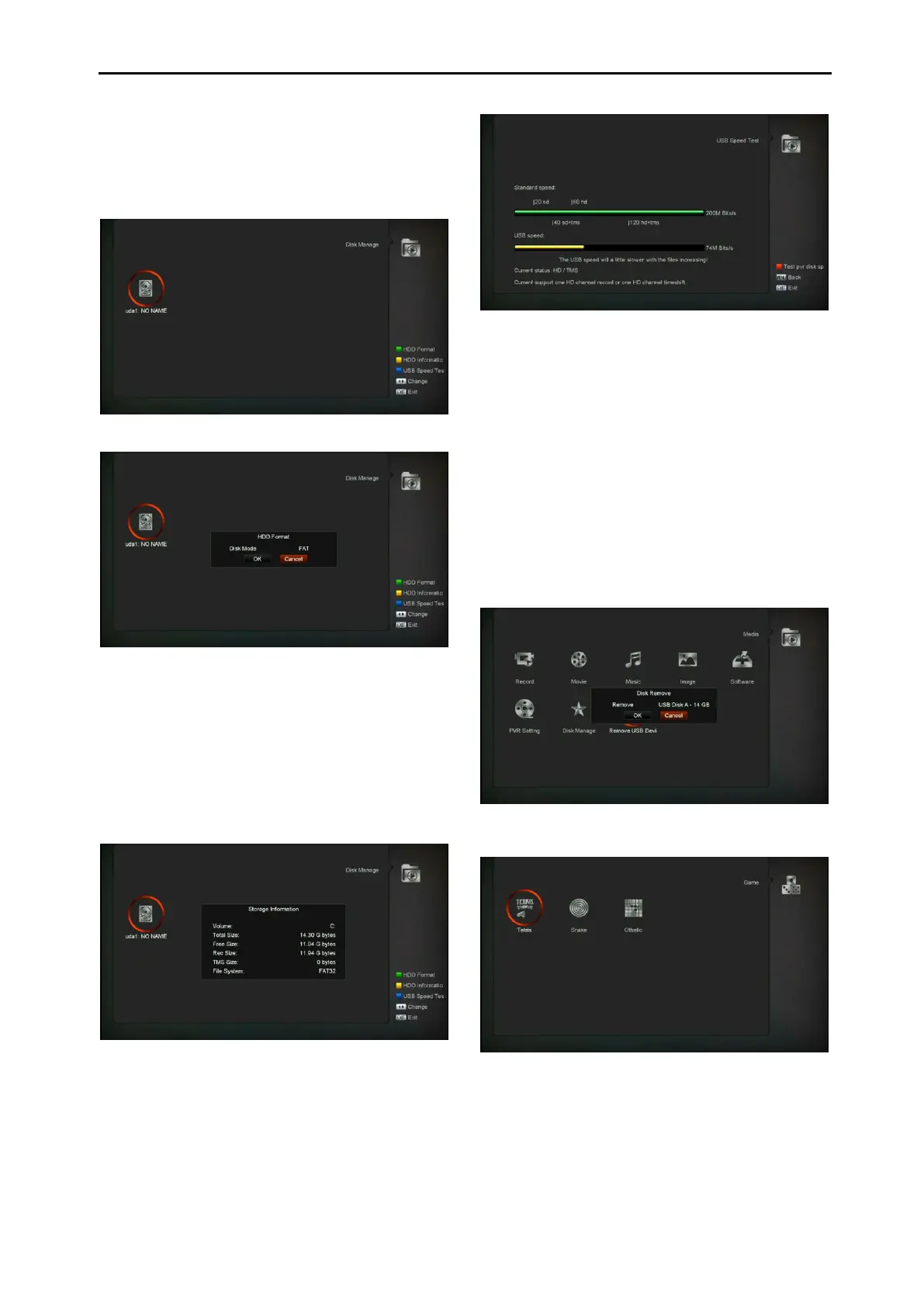
12.6 Disk Manage
In this menu you can select USB disk for HDD
Format,HDD information and USB Speed test.
HDD Format
Press "Green" button to enter the HDD Format
menu like the below picture.If you want to format
the HDDthen select the File System between
the "FAT" and the "NTFS", Press "OK" Button to
confirm.
HDD Information
Press “Yellow” button to enter the HDD
Information menu like the below picture,you can
see details information about the HDD
USB Speed Test
Press “Blue” button to enter the USB Speed
Test menu like the below picture,you can see
the Standard speed and your USB harddisk
speed, according this information you can know
what operation your disk can support..In this
menu,and you can press ”Red” button refurbish
the USB disk speed.
12.7 Remove USB Device safely!
Use this menu you can remove the USB Device
safely.
13. Game (Optional)
When you enter “Game” menu, you will see
three Games include Tetris, Snake and Othello.
Basic operation statement:


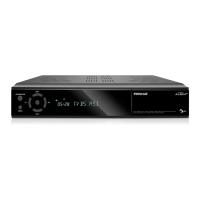
 To Next Page