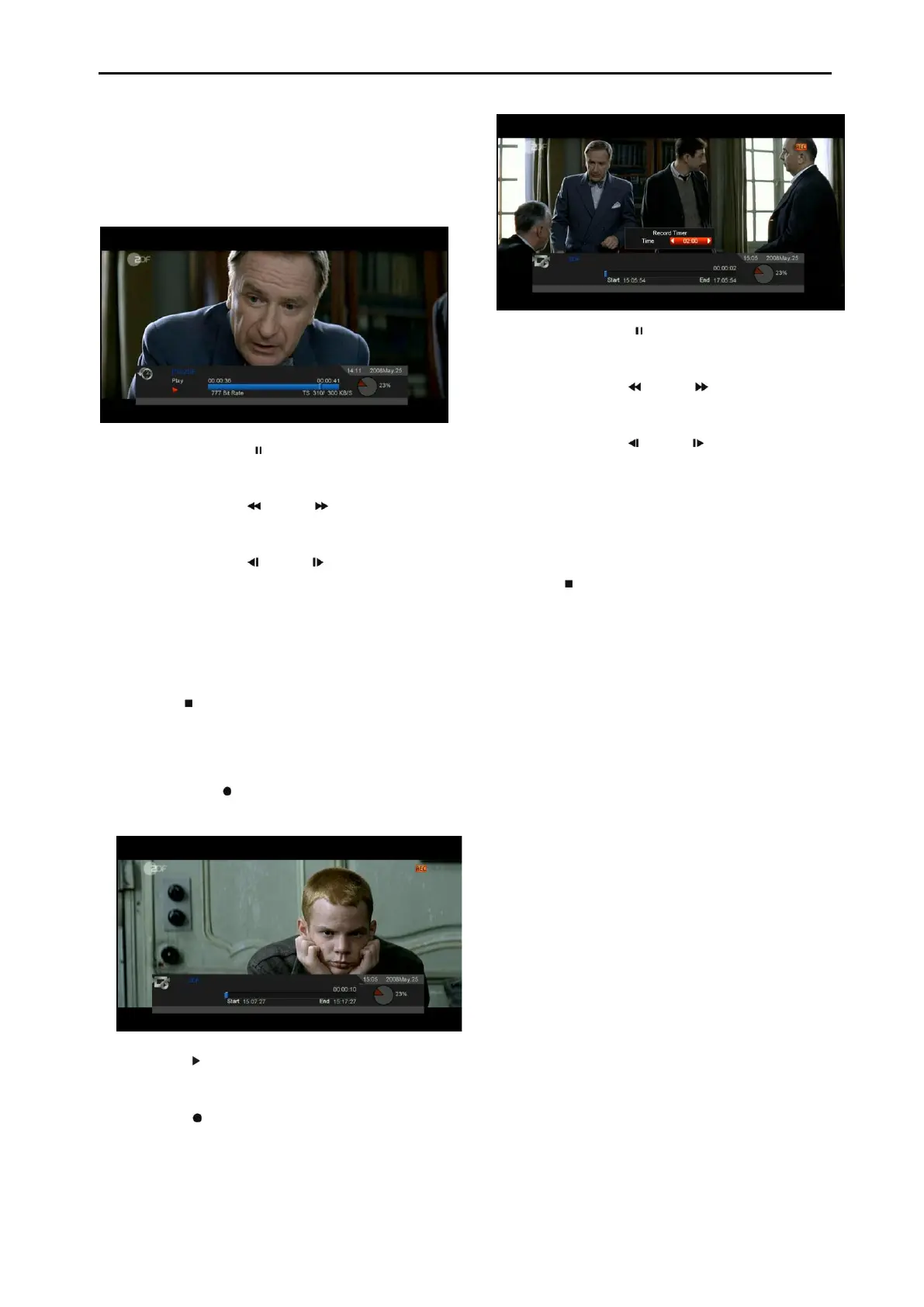
It will start the Time Shift function automatically
after you switch the program, and when you
press the "Tms" button the Time Shift info bar
will displayed as the following picture:
1 You can press " " button to pause the
video.
2 You can press " " or " " button to Fast
Backward or Fast Forward.
3 You can press " " or " " button to Slow
Backward or Slow Forward.
4 Press “left" or "right" button to jump to
different position, then press "OK" button to
confirm.
5 Press " " button to exit the playback.
15.3 Record
If you connect the USB HDD.
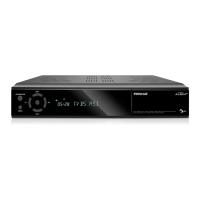
You can press " " button to start record
function, as following picture:
Press " " button to display the record info
bar when you recording.
Press " " button again to setting the
record time.
You can press " " button to pause the
video.
You can press " " or " " button to Fast
Backward or Fast Forward.
You can press " " or " " button to Slow
Backward or Slow Forward.
Press “left" or "right" button to jump to
different position, then press "OK" button to
confirm.
Press " " button to stop the recording.


 To Next Page