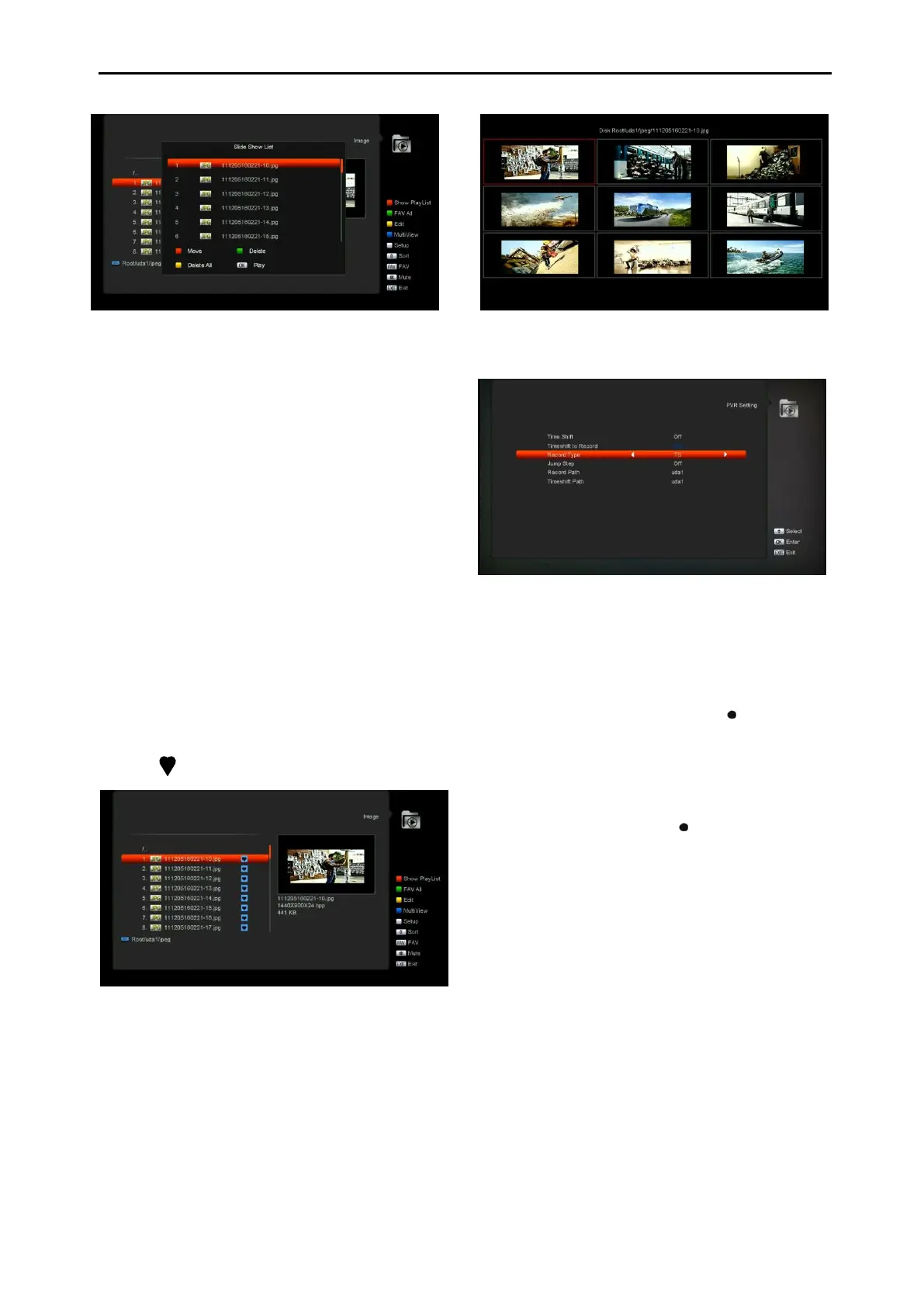
⚫ Red Key:
Move the selected file by press Red key and
[UP][DOWN] key..
⚫ Green Key:
Delete the selected file by press Green key.
⚫ Yellow Key:
Press Yellow Key, will delete all image files in
play list, but system will remind you “Delete All”
before practical operation, if you select Yes, all
file will be deleted and Play list window will be
closed.
⚫ Press OK button to play file
[Green] key:
All the Image files in current directory are added
into Image play list by Green key, and will
display “ ”behind the Image files, like below.
[Yellow] key:
To edit the files or folders in the USB storage .
like in MP3 menu. Include rename, copy, delete
and create folder function. You can press [Exit]
key to previous menu.
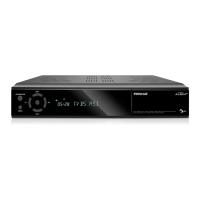
[Blue] key
To preview the images. press this key you can
see the picture like below.
12.5 PVR Setting
1 Time Shift:
ON: Enable the Time Shift function.
OFF: Disable the Time Shift function.
2 Timeshift to Record
ON: Means when you press the " " Button to
record the program, it will merging the Timeshift
files and the record files.
OFF: Means when you record the program, it
just start when you press " " button, not
include the Timeshift files.
3 Record Type
You can select the record type by press
[left/right] key.
4 Jump Step
You can select the jump time by press
[left/right] key.
5 Record Path
You can select the record path by
press[left/right] key.
6 Timeshift Path
You can select the timeshift path by
press[left/right] key.


 To Next Page