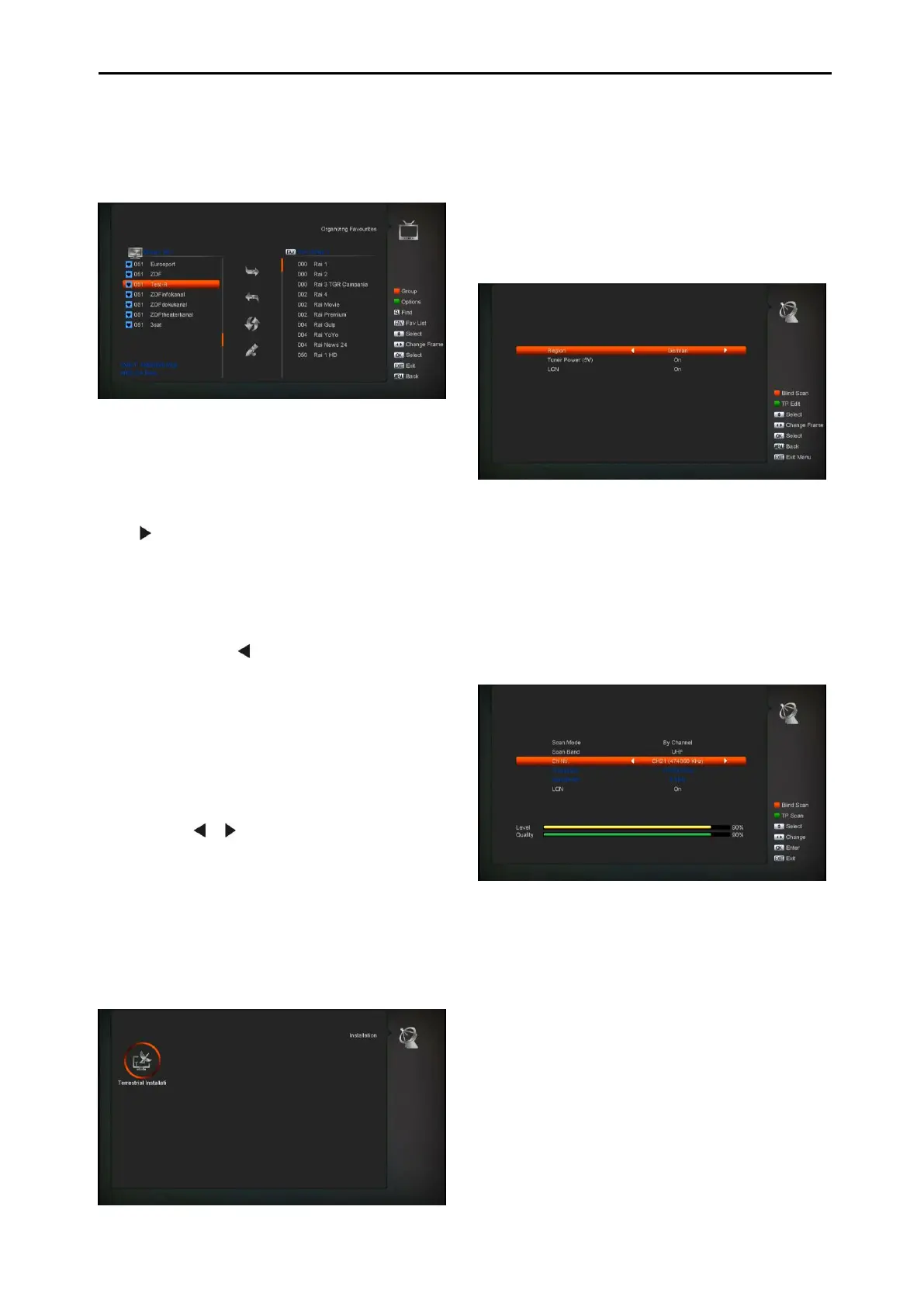
9.2 Organizing Favourites
This menu is helpful in adding and deleting
services to and from the favorite group.
1 FAV List
To choose the FAV List by press “FAV” button.
2 Add
To add services into favorites, Mark the desired
services by press “ OK ” button in Service List,
press to choose Add mode and press “ OK ”
button.
3 Remove
To remove services from favorites, Mark the
desired services by press “ OK ” button in
Favorite List, press to choose Remove mode
and press “ OK ” button.
4 Move
You can reorder and move the service to the
preferred position in Favorite List.
5 Rename
Select the desired FAV List by press “FAV”
button, using , buttons to choose Rename
mode and press “ OK ” button to display
keyboard, and rename it.
6 Group, Options and Findfunctions
Please refer to the “Organizing Services” part in this
manual.
10. Installation
1 Press [OK] key to enter the “Installation”. If
Menu Lock is “On”, it will display a dialogue
for user to enter in password. The default
Password is “0000”. .
10.1 Terrestrial Installation
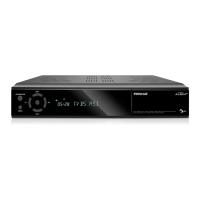
Press [OK] key to enter the selected item.
3 You can select the Bandwidth according
different country.
4 You can set the Tuner Power ON/OFF.
5 Press [Red] key can directly into blind scan
mode to scan the current programs.
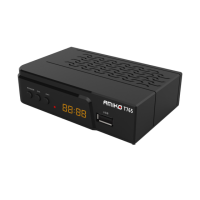
6 Press [Green] key to enter the following
menu.
Scan Mode.
4 There are two modes. You can scan
channel by channel or by frequency”.
5 When scan band is UHF and region is
“France”, the range of Ch No. is from 21 to
69. When scan
6 Band is VHF and region is “France”, the
range ofCh No. is from 1 to 9. (it’s
according to region)


 To Next Page