13.1 Tetris
a) Moving highlight to “Setup” and
press[left/right]key to select the game
level (speed).
b) Moving highlight to “Start” and press [OK]
key to start the game.
c) Moving highlight to [Cancel]keys and
press [OK]key to draw back from the
game.
d) Start on the game:
➢ [left/right] Move shape left or right
➢ “Channel Up” Rotate clockwise
➢ “Channel Down” Faster drop
➢ [OK] Pause/Play the game
➢ [Exit]Quit game and draw back to
“Game” menu.
13.2 Snake
a) Moving highlight to “Setup” and press
[left/right]key to select the game level
(speed).
b) Moving highlight to “Start” and press [OK]
key to start the game.
c) Moving highlight to[Cancel]keys and
press [OK]key to draw back from the
game.
d) Start on the game:
➢ [left/right] use these arrow keys to
guide the snake.
➢ [OK] Pause/Play game
➢ [Exit] Quit game and draw back to
“Game” menu.
13.3 Othello
a) Moving highlight to “Setup” and press
[left/right]keys to select the game level
(degree of difficulty).
b) Moving highlight to “Start” and press [OK]
key to start the game.
c) Moving highlight to [Cancel] keys and
press [OK] key to draw back from the
game.
d) Start on the game:
➢ [[left/right/ UP/ Down] use these
arrow keys to guidechessman.
➢ [OK] set chessman.
➢ [Exit]Quit game and draw back to
“Game” menu.
14. EPG
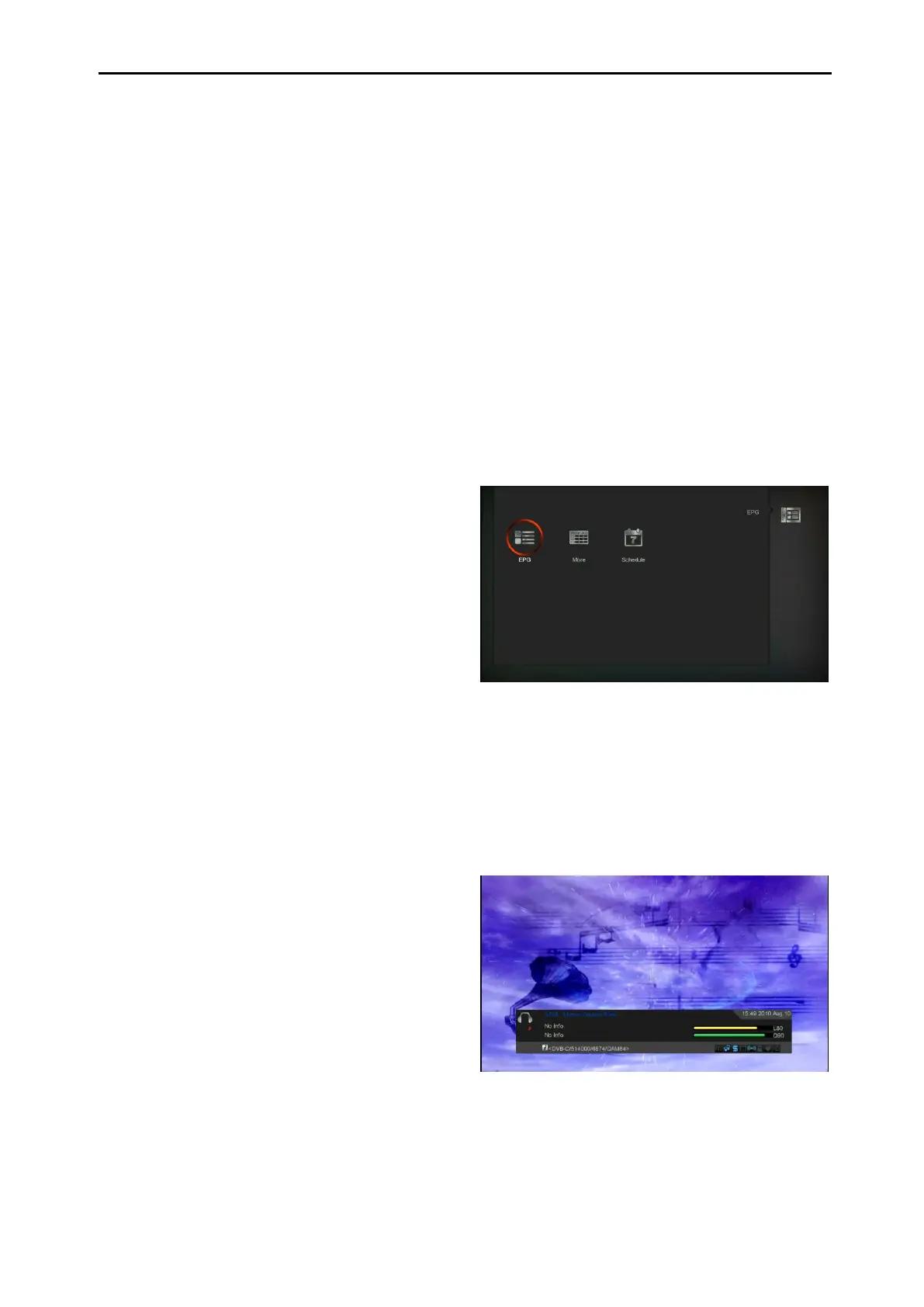
Press ‘OK’ button to this menu you can see the
picture like the below,you can select EPG more
and Schedule.This Function is same as EPG.
15. New Features
15.1 Equalizer
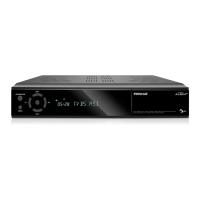
When you listen the Radio program, it will
display the music spectrum graphic on TV
Screen.
15.2 Time Shift
If you connect the USB HDD, and enable the
Time Shift function in the menu "Main Menu/
Media/ PVR Setting/Time Shift",


 To Next Page