2 - 3
USER’S GUIDE Triton Wireless Hand-held Terminal
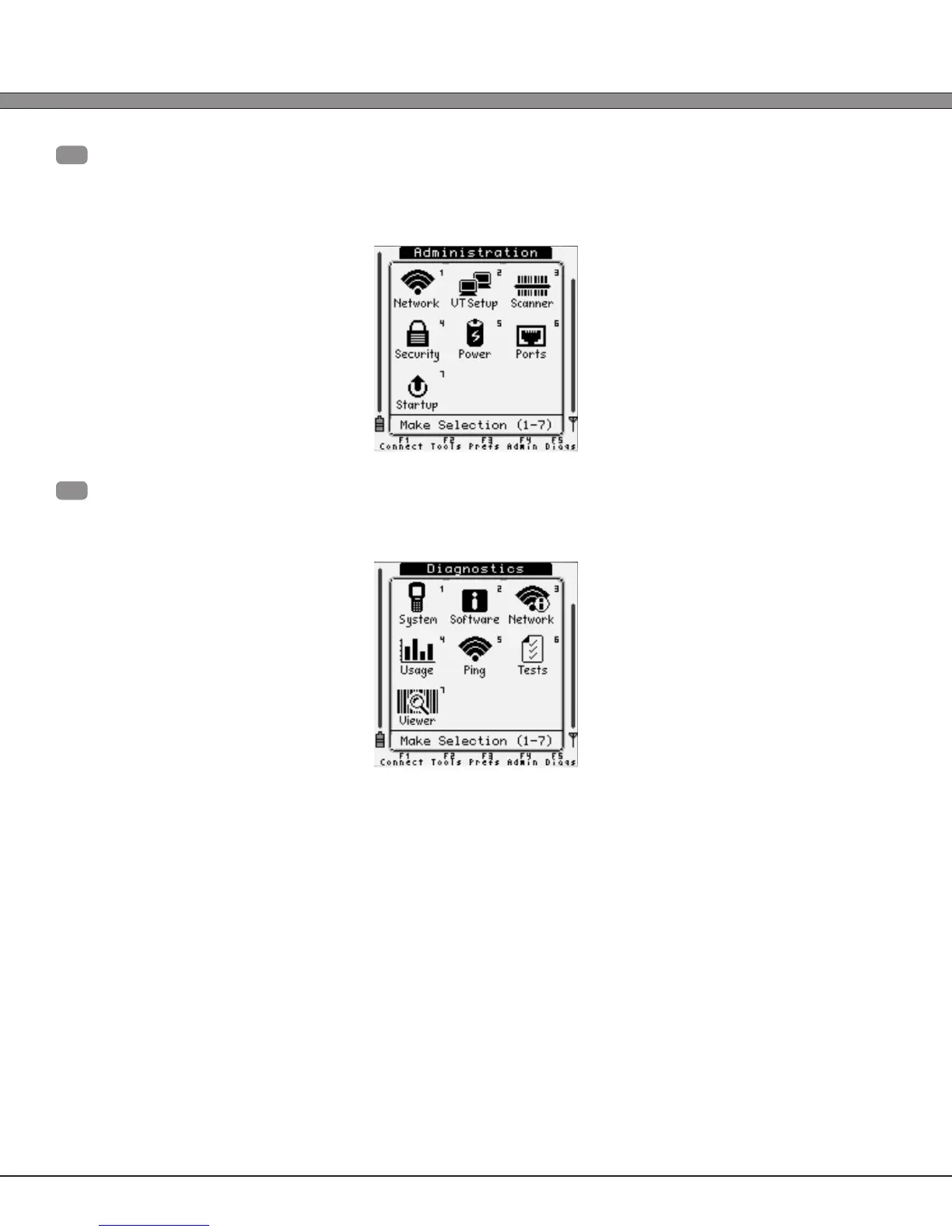
F4
- “Administration”
Triton system-wide setup (Wireless Networking, Power Management,
Telnet session setup, etc...)
F5
- “Diagnostics”
Advanced debugging and diagnostic tools (Software versions, Network Status,
Ping Test, etc...)
From any primary menu, pressing [Esc] will bring the screen back to the “Connect” menu.



 To Next Page