2 - 8
USER’S GUIDE Triton Wireless Hand-held Terminal
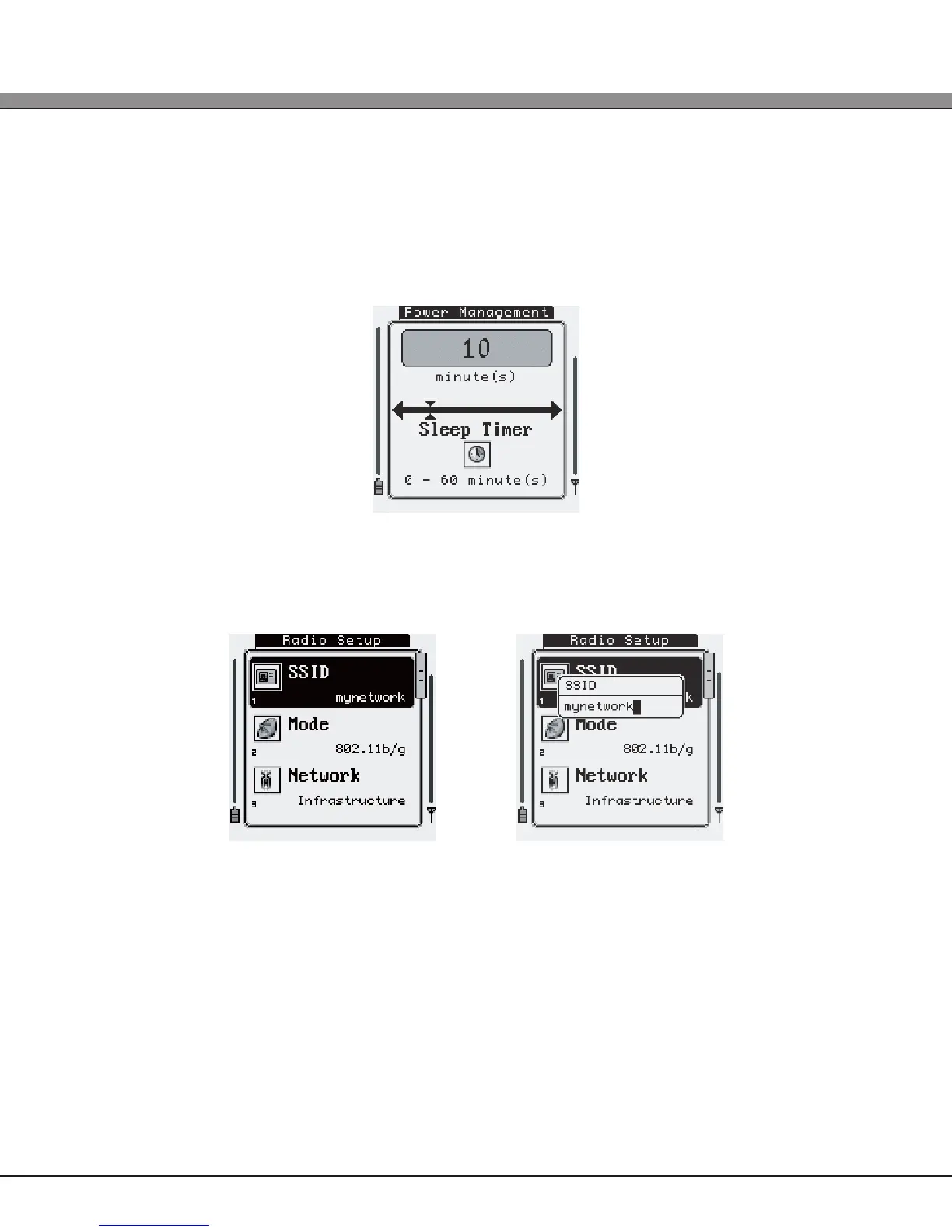
Sliders / Numeric Options:
Pressing [Enter] while this type of option is selected or by pressing its corresponding numeric
key will display a screen with the option name and a numeric slider. Using the [Left]/[Right] or
[Up]/[Down] keys will increase and decrease the options value. The minimum and maximum
values are displayed at the bottom of the screen.
Text Entry:
Pressing [Enter] while this type of option is selected or by pressing its corresponding numeric
key will open a small text entry menu that will allow typing of text into the option value.
Pressing the [Esc] key or the [0] numeric key will exit any menu and return to the previously
viewed screen. Note that when exiting back to the “Administration” menu, the options
that were set will automatically be saved. If any action is required, it will automatically be
carried out (i.e. if the user changes the embedded HTTP server from “Disabled” to “Enabled”,
the system will automatically save the new settings and start the HTTP server when leaving
the “Startup/Boot Options” menu). A beep will be sounded and a small message will be
displayed briey to signify that the settings were correctly saved.



 To Next Page