2 - 42
USER’S GUIDE Triton Wireless Hand-held Terminal
Host/Terminal Setup - cont’d
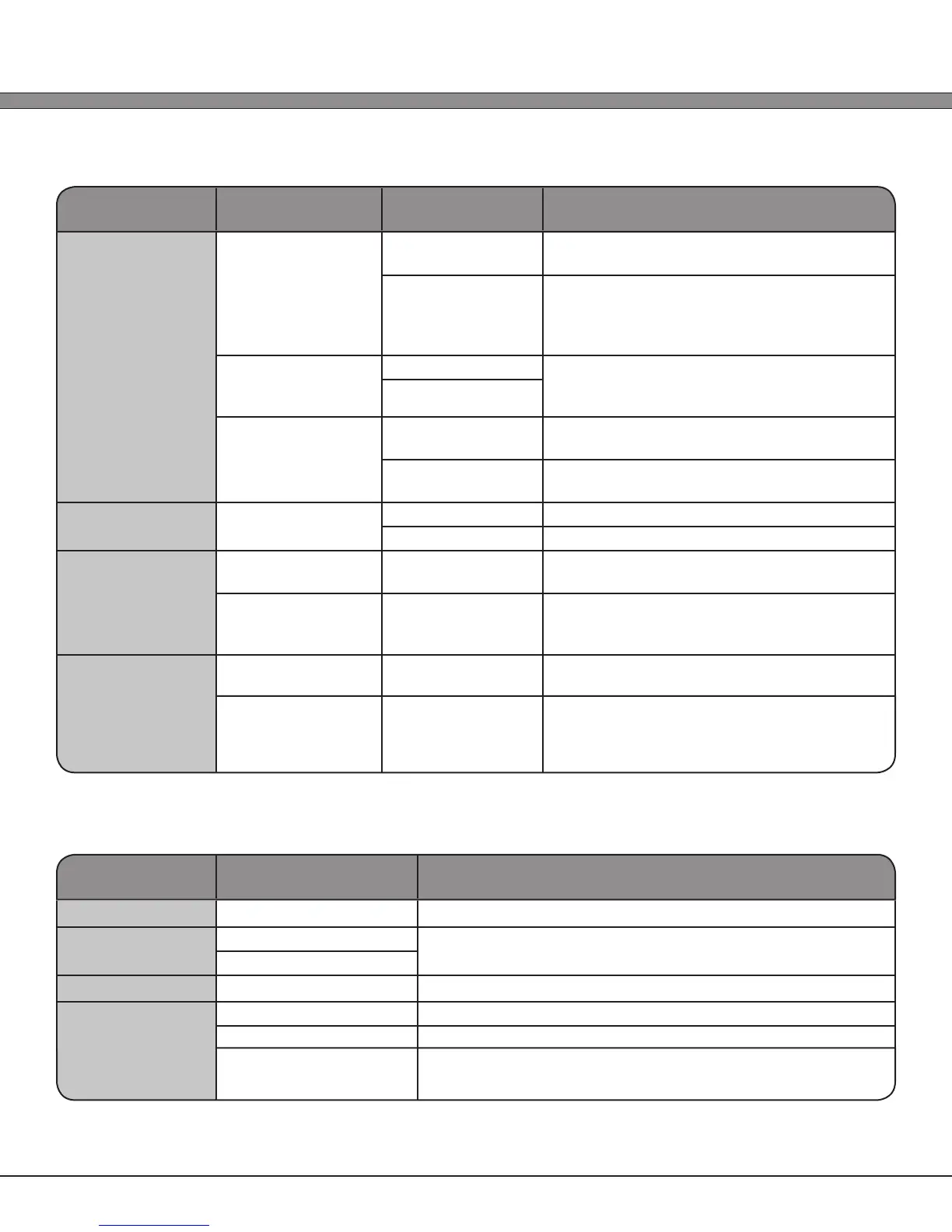
Section Setting Paremeter Available Options Option Description
TN5250 Settings
RESET on Error 1.) Manual The user must manually reset an error
condition
2.) Automatic The Software will automatically send a
RESET to the server after displaying the error
message for the amount of time specied in
RESET Delay
RESET Delay Min: 3 seconds The amount of time to display an error
message until automatically sending a RESET
to the server
Max: 10 seconds
Long Bar codes 1.) Allow Allow long bar codes to automatically move
to the next input eld
2.) Truncate Truncate long bar codes to t in the current
input eld
Web Browser
Display Mode 1.) Text Use the Web Browser in text only mode
2.) Graphics Use the Web Browser in graphical mode
Custom 1
Command (Text Entry) Linux command to run when selected in the
“Connect / Reconnect” menu
Pass IP as Param Enabled/Disabled Enable/Disable passing the Host Server’s IP
address (as set up in the Host Server menu) to
the Linux command as a normal parameter
Custom 2
Command (Text Entry) Linux command to run when selected in the
“Connect / Reconnect” menu
Pass IP as Param Enabled/Disabled Enable/Disable passing the Host Server’s IP
address (as set up in the Host Server menu) to
the Linux command as a normal parameter
General Settings
Section Available Options Option Description
Auto-Connect
Enabled/Disabled Automatically connect to a host on boot
Auto-Delay
Min: 0 seconds Delay connection to allow network startup
Max: 60 seconds
Auto-Host
(Host List) Connect to selected host on boot
Out of Range
1.) No Warning Give no warning upon moving out of range of current AP
2.) Audio Warning Sound a beep upon moving out of range of current AP
3.) Visual Warning Display a visual warning upon moving out of range of current
AP



 To Next Page