3 - 4
USER’S GUIDE Triton Wireless Hand-held Terminal
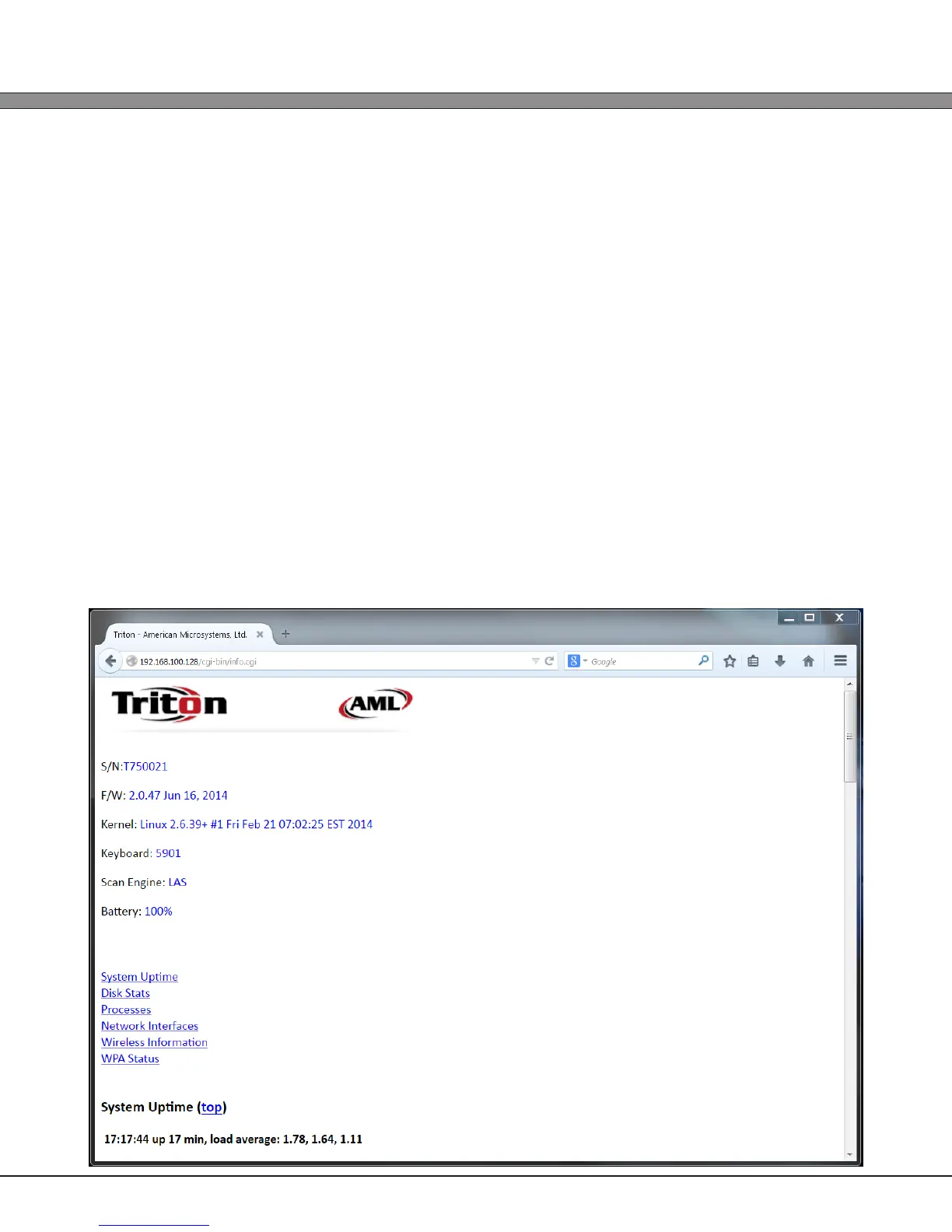
2) View System Info
The View System Info link will display a multitude of data about the Triton. Among other
things, it will display the following:
Serial Number
Firmware
Version
Keyboard Type
Scan Engine Type
Battery Level
System Uptime (Time since the unit was last powered off)
Memory and Flash usage
Currently running applications
Network Status including:
- Current AP
- Current SSID
- Current Bitrate
- Current Channel / Frequency
- NO ENCRYPTION KEYS OR PASSWORDS ARE DISPLAYED FOR SECURITY REASONS



 To Next Page