3 - 3
USER’S GUIDE Triton Wireless Hand-held Terminal
Once access has been granted, the web server will give 4 options:
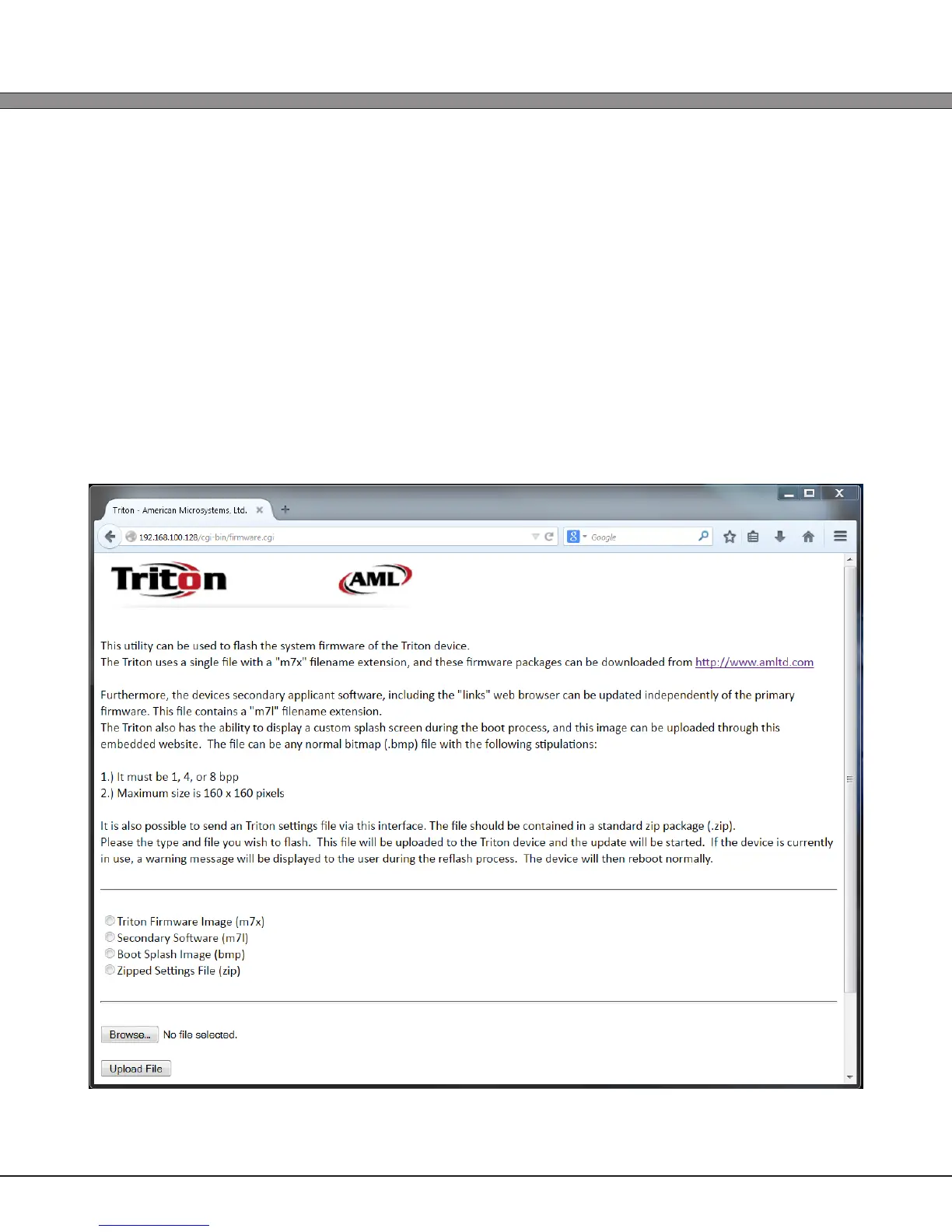
1) Update Firmware
The primary Triton rmware can be uploaded to the device via this interface.
Triton rmware images can be downloaded from http://www.amltd.com.
Furthermore, the boot splash image can be modied through this interface. A 1, 2, or 4 bit/
pixel bitmap image, no larger than 160x160 can be uploaded and will be shown to the user
during the initial boot- strap of the device.
Optional software packages can also be installed through the embedded website, along
with Triton settings les.



 To Next Page